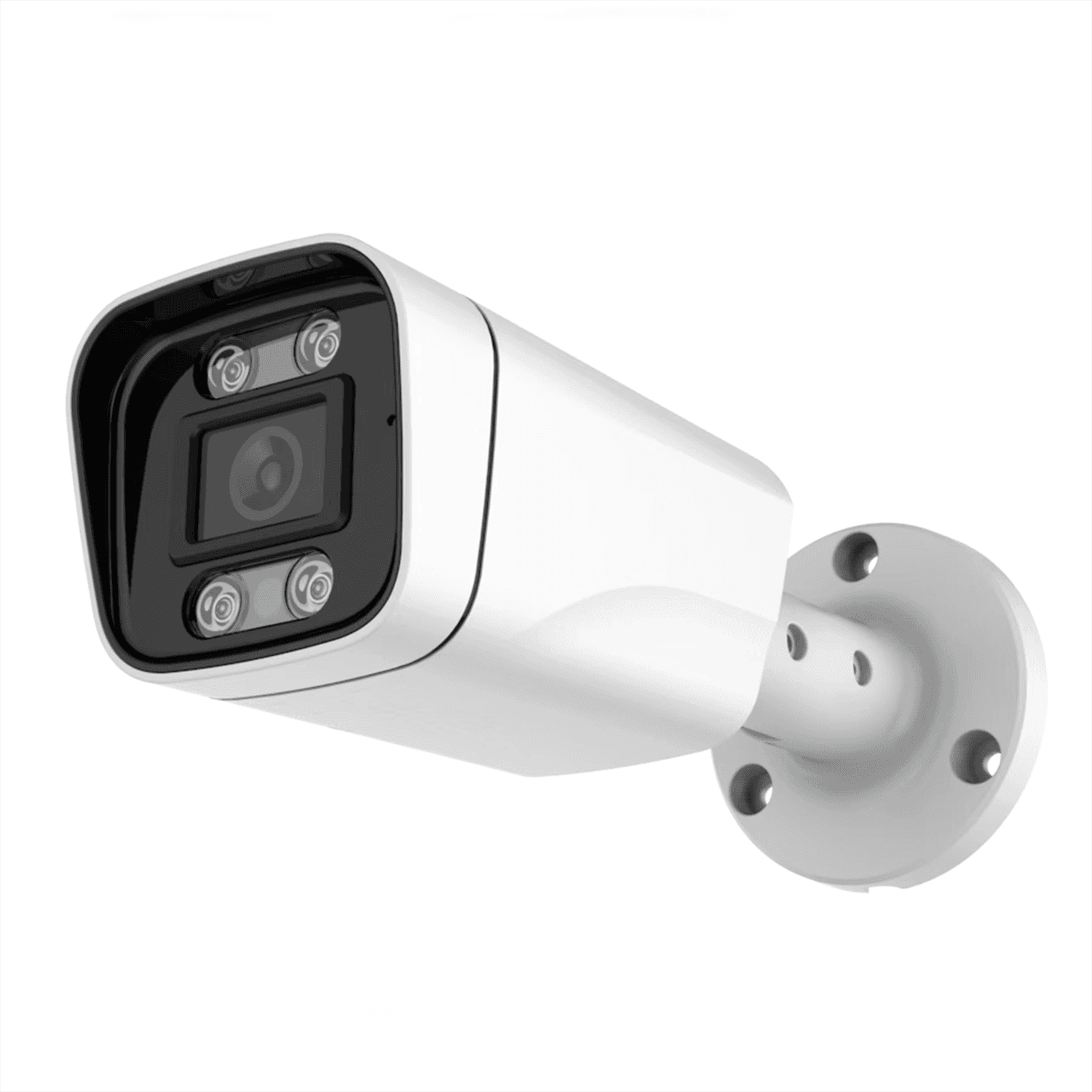
 JBE-203B
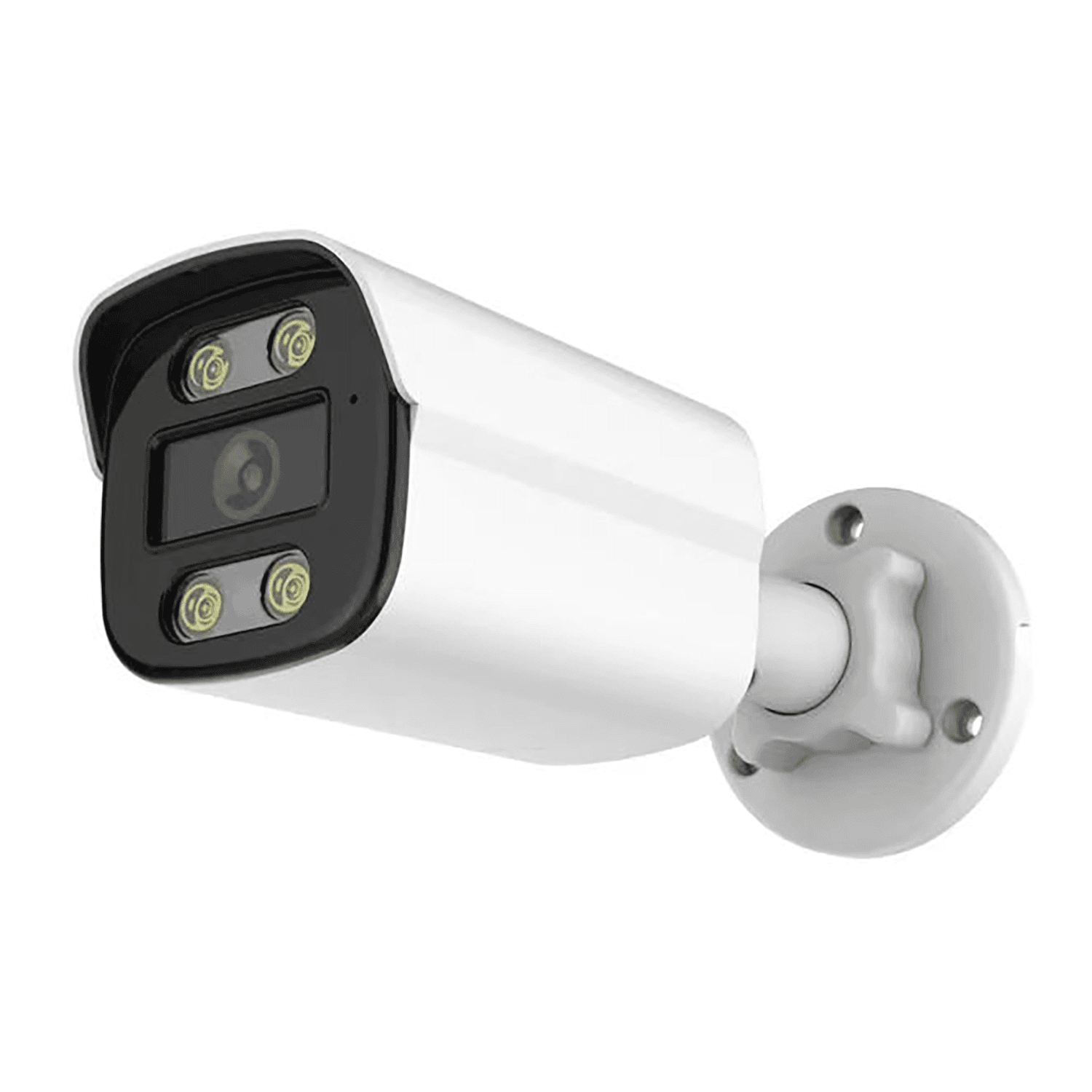 JBE-404B
Start with the observation task
Mark entrances, aisles and working distances on the site layout. Choose the lens view and useful detail before comparing resolution; a wider view is not a substitute for a dedicated detail camera.

Security Cameras
PoE network cameras for wired surveillance installations. Compare models for your cabling, power and recording requirements.
Back to Camera Categories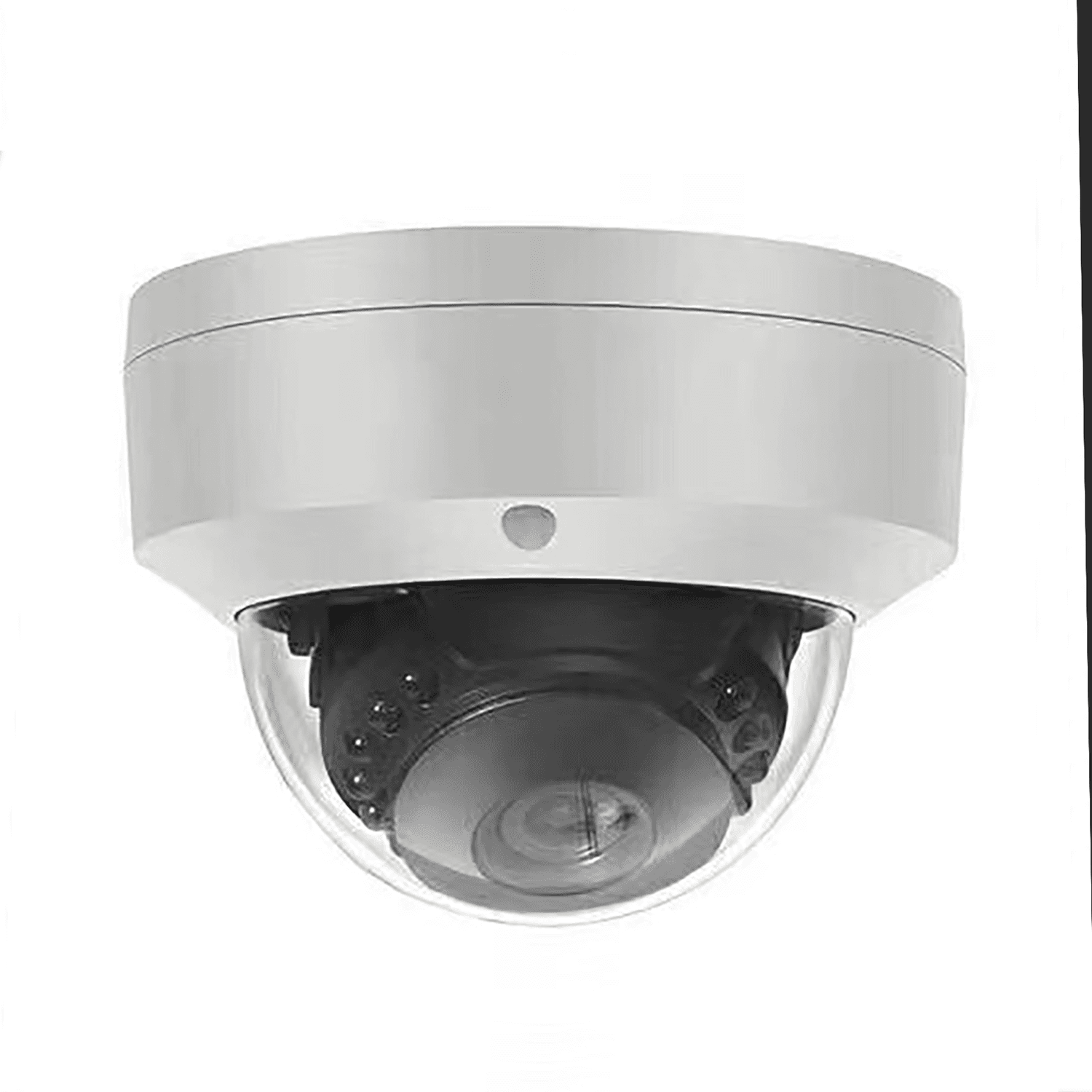 JBE-01VPoE dome Camera2MP / 5MP / 4MP / 8MP optionsView details
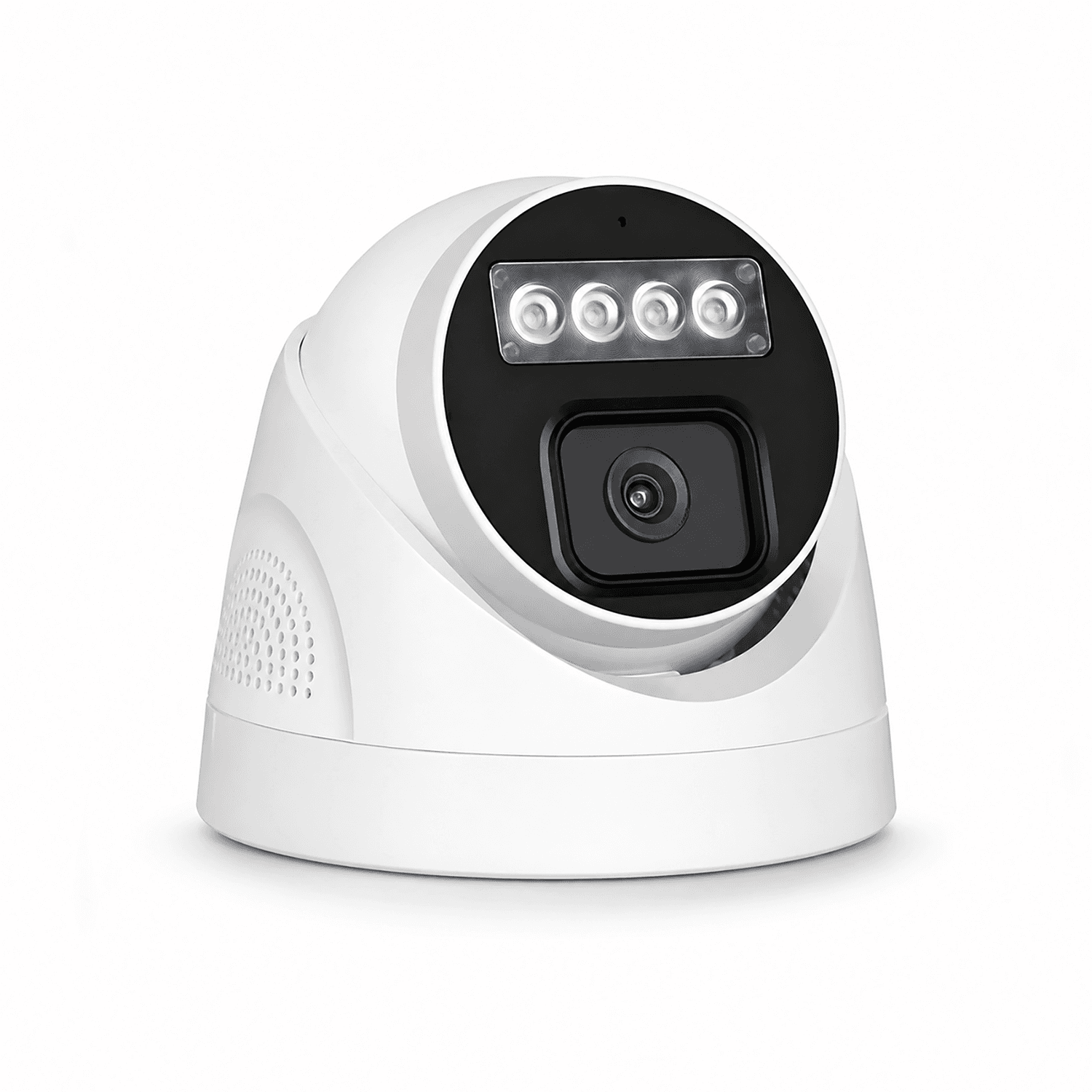 JBE-01DPoE turret Camera3MP / 5MP / 8MP optionsView details
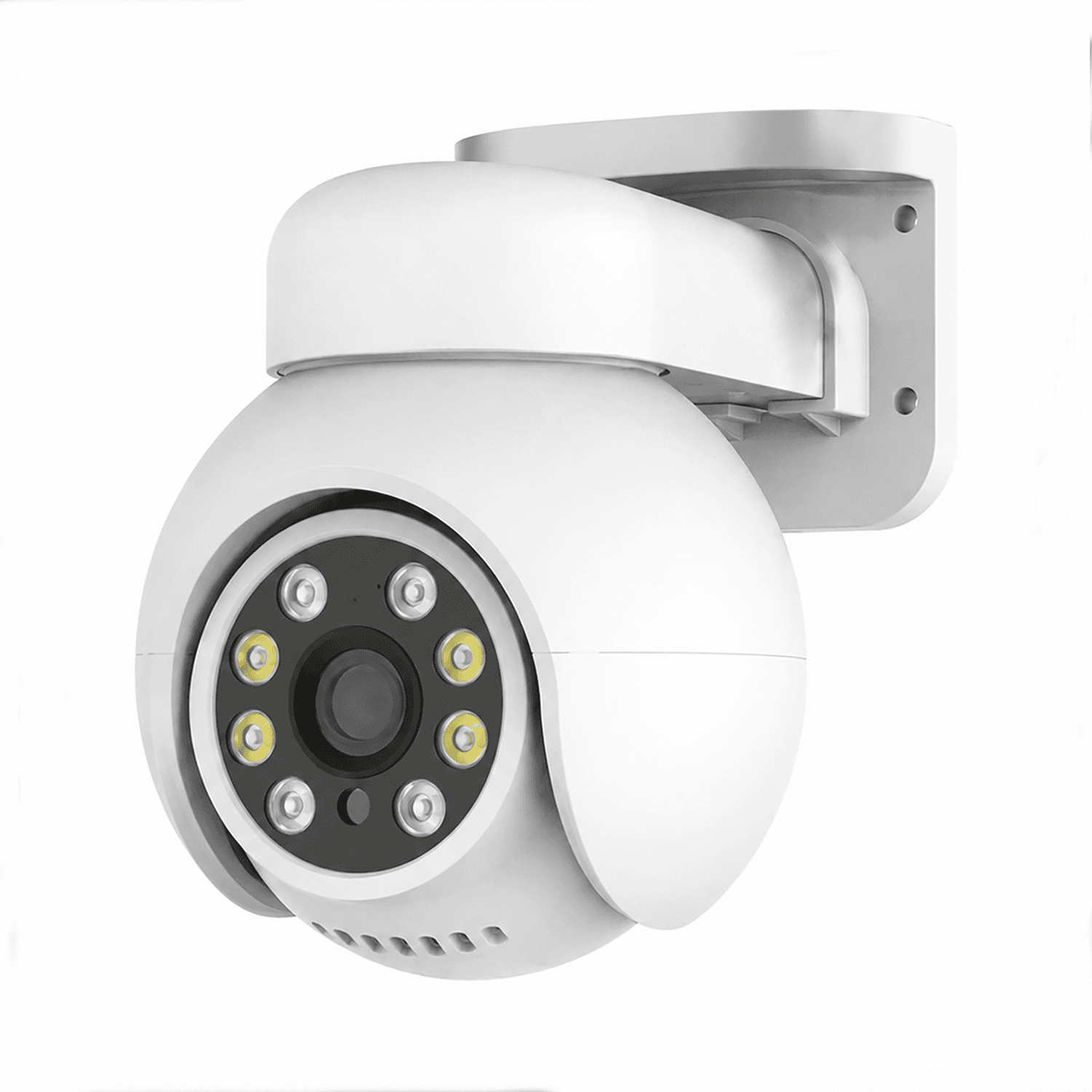 JBE-01QPoE Camera3MP / 5MP / 8MP optionsView details
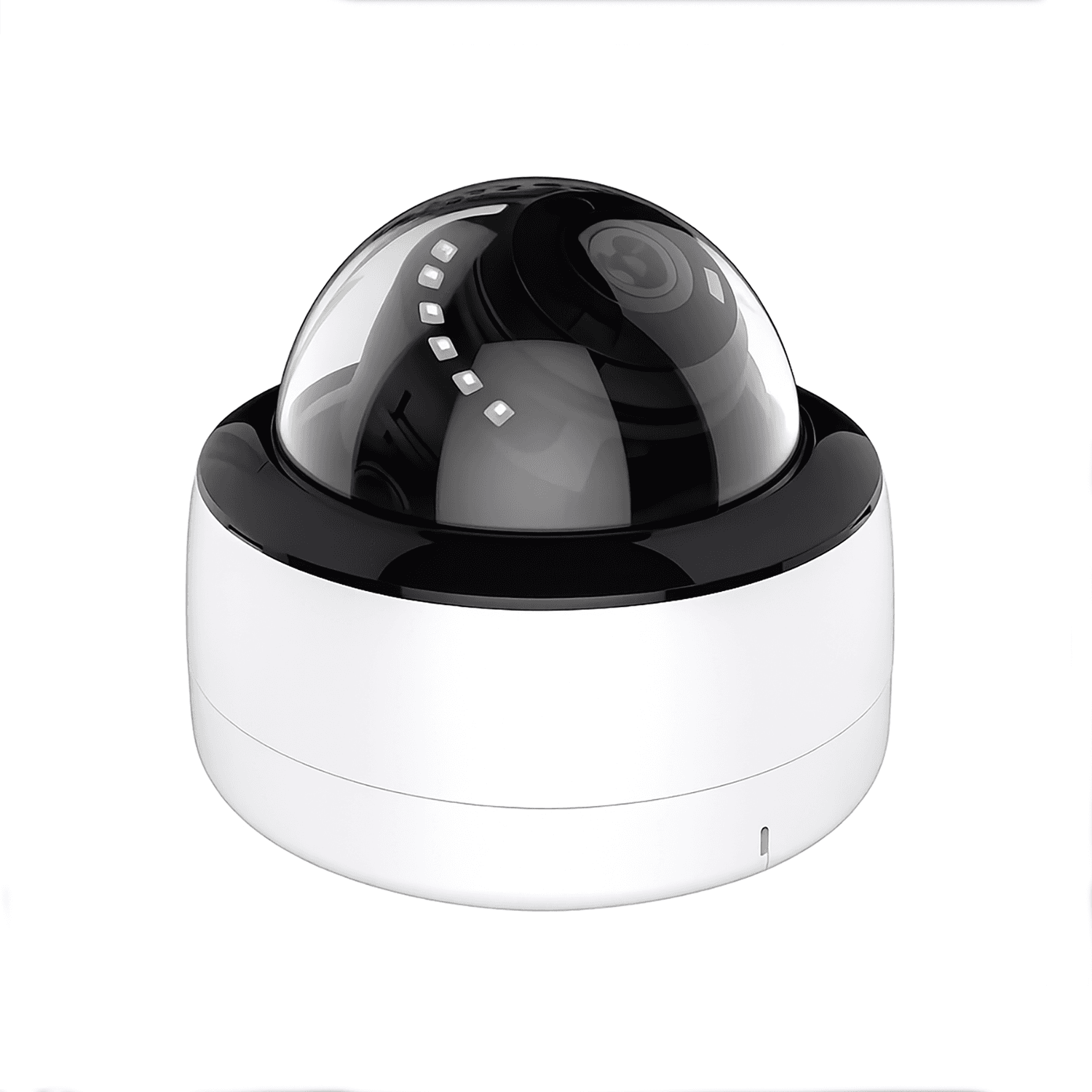 JBE-02VPoE dome Camera2MP / 4MP / 5MP / 8MP optionsView details
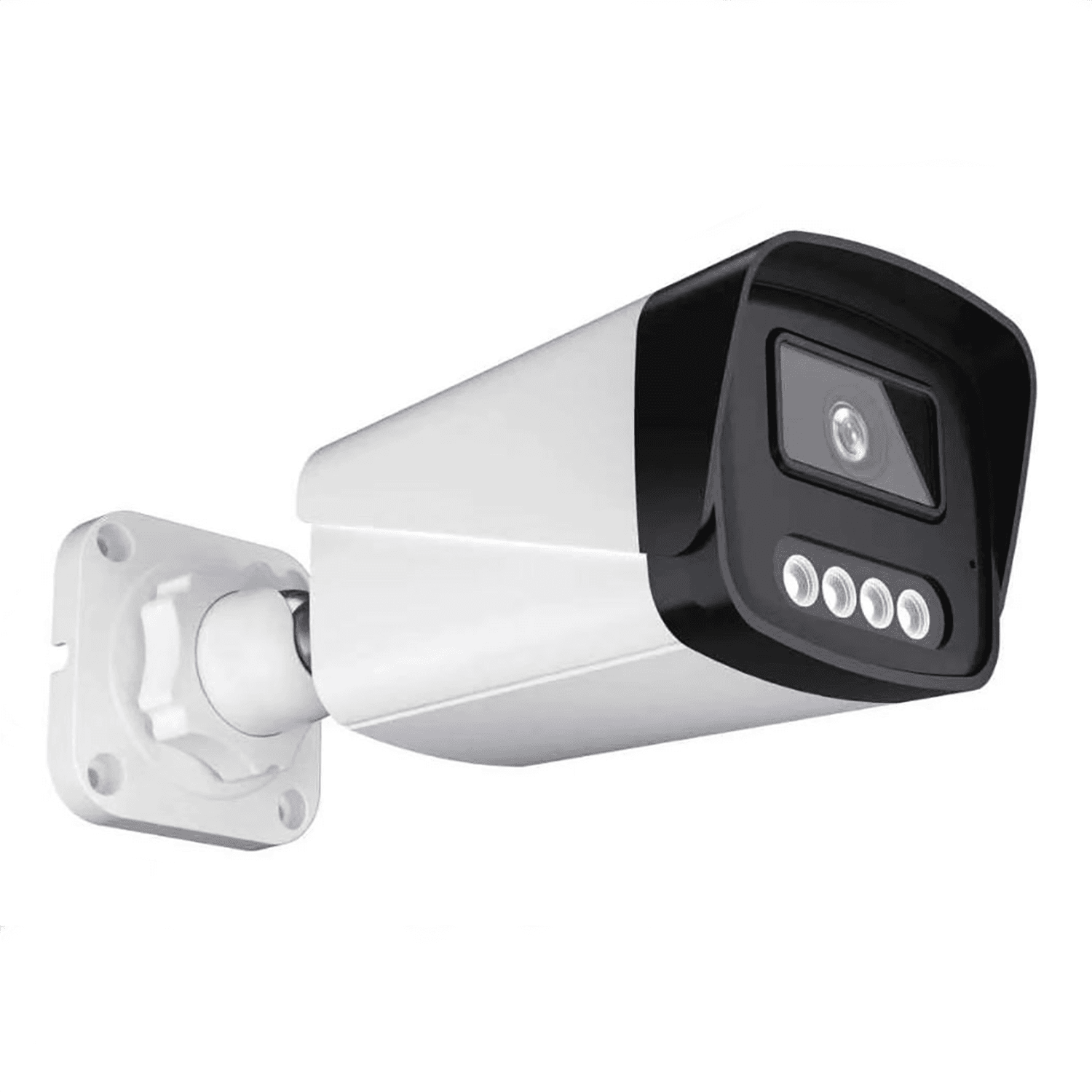 JBE-01BPoE bullet Camera3MP / 5MP / 8MP optionsView details
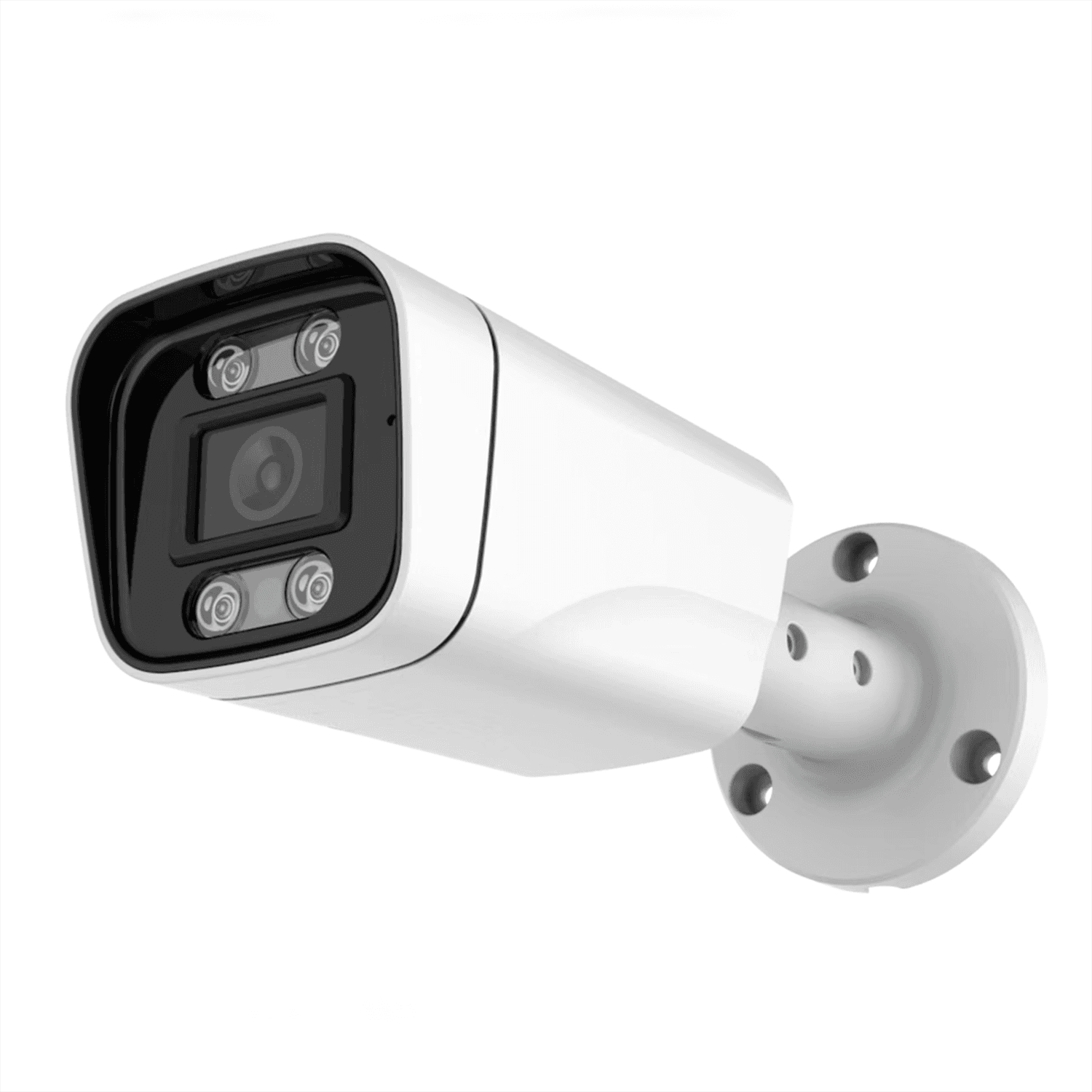 JBE-03BPoE bullet Camera2MP / 4MP / 5MP / 8MP optionsView details
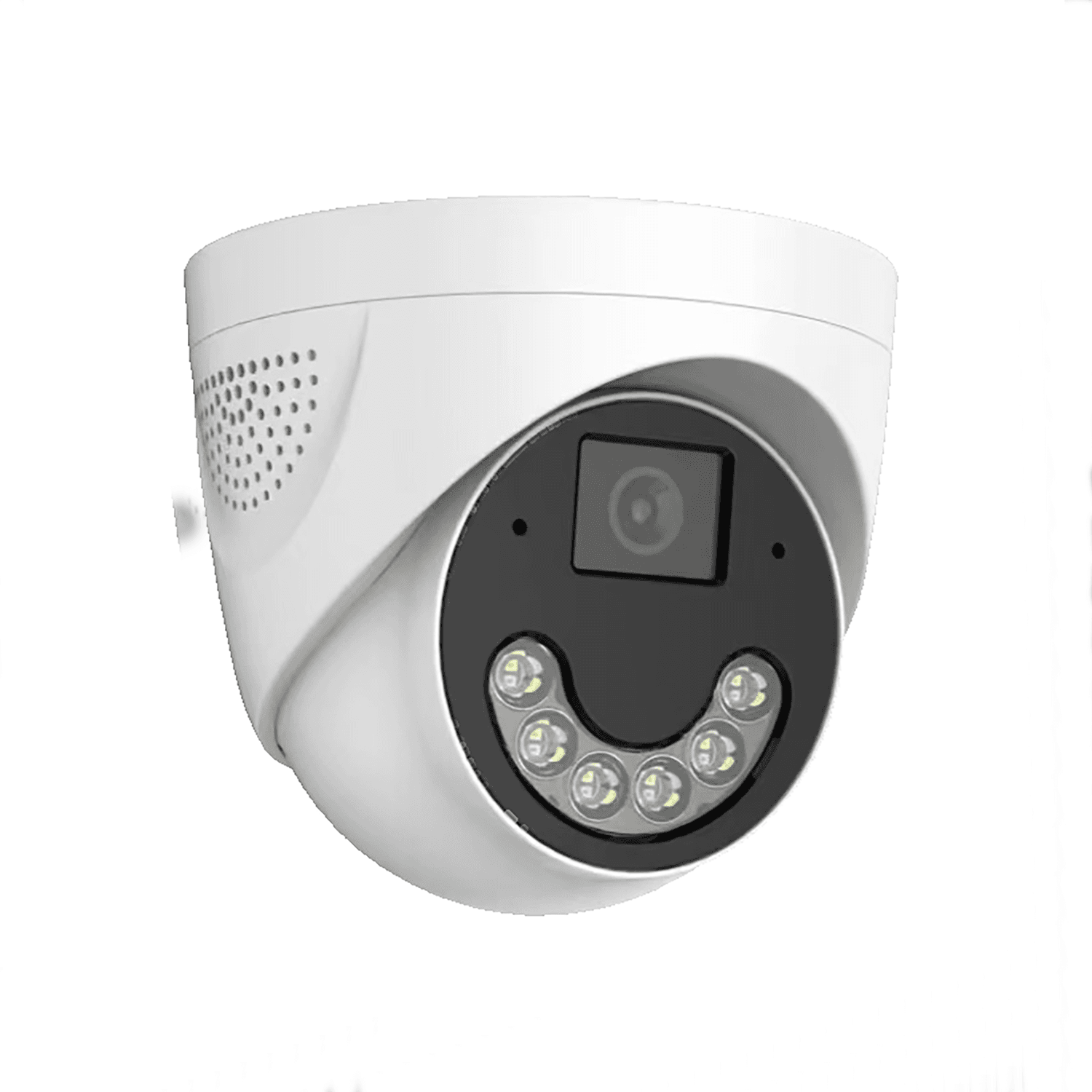 JBE-02DPoE turret Camera4MP / 5MP / 8MP optionsView details
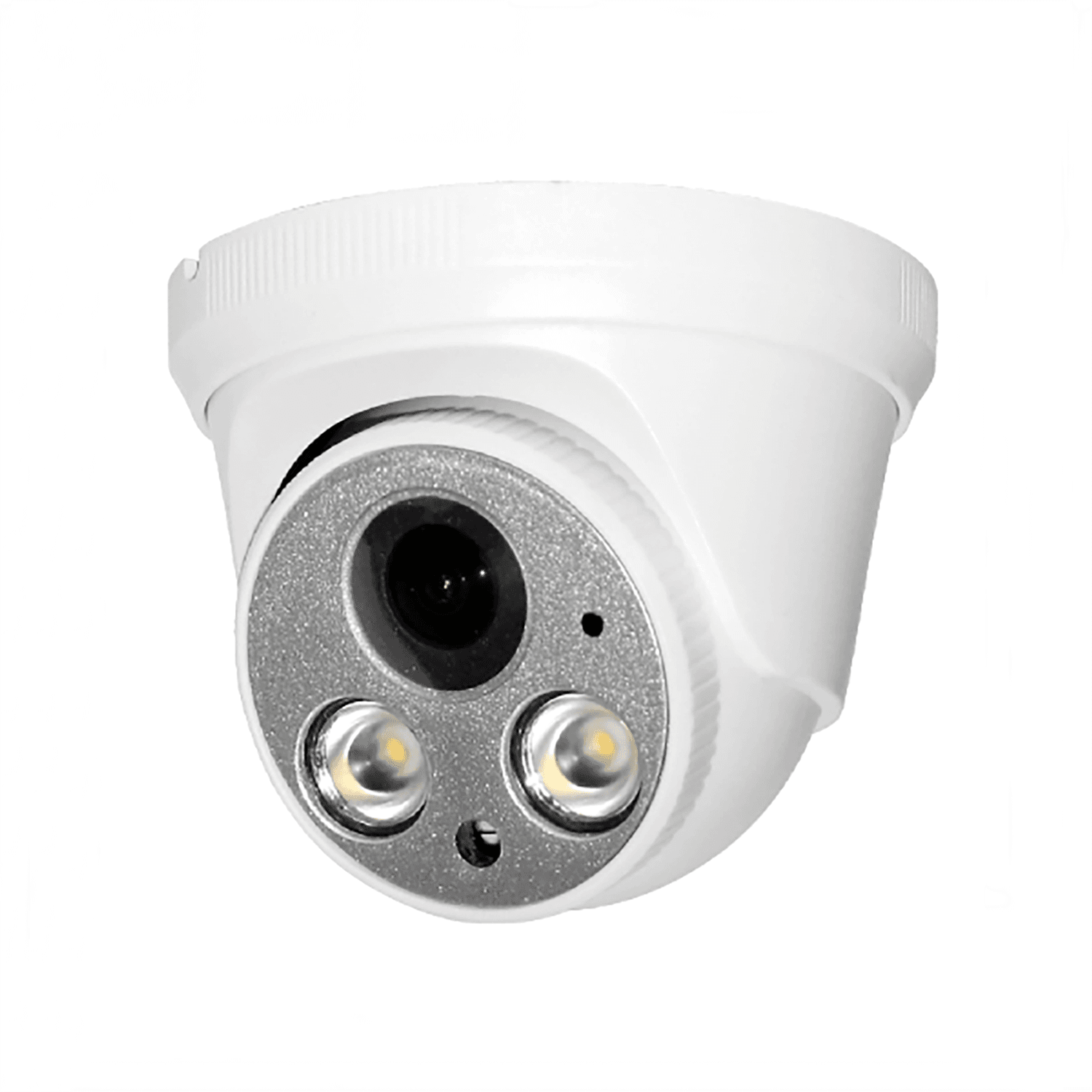 JBE-01PPoE turret Camera4MP / 5MP / 8MP optionsView details
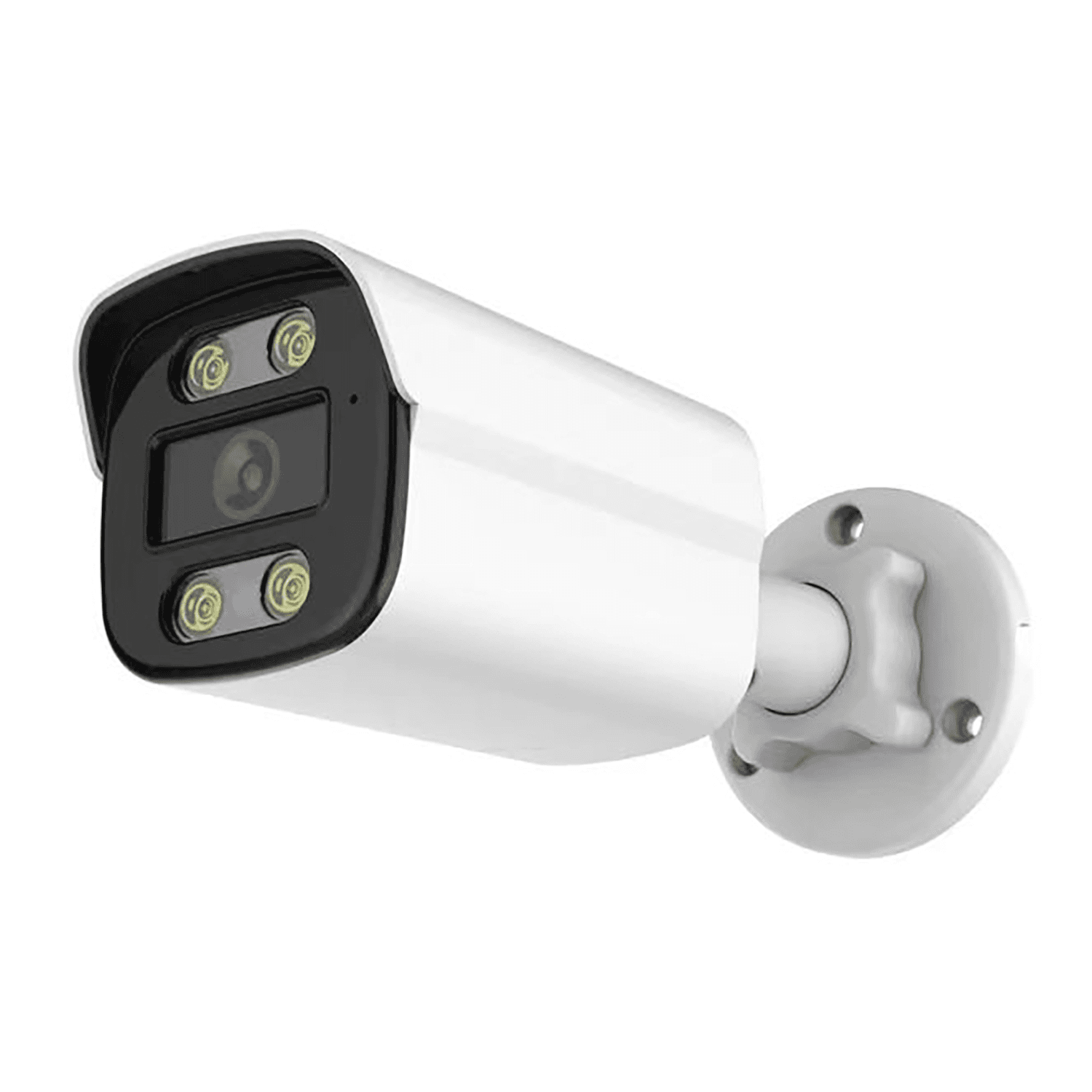 JBE-04BPoE bullet Camera4MP / 5MP / 8MP optionsView details
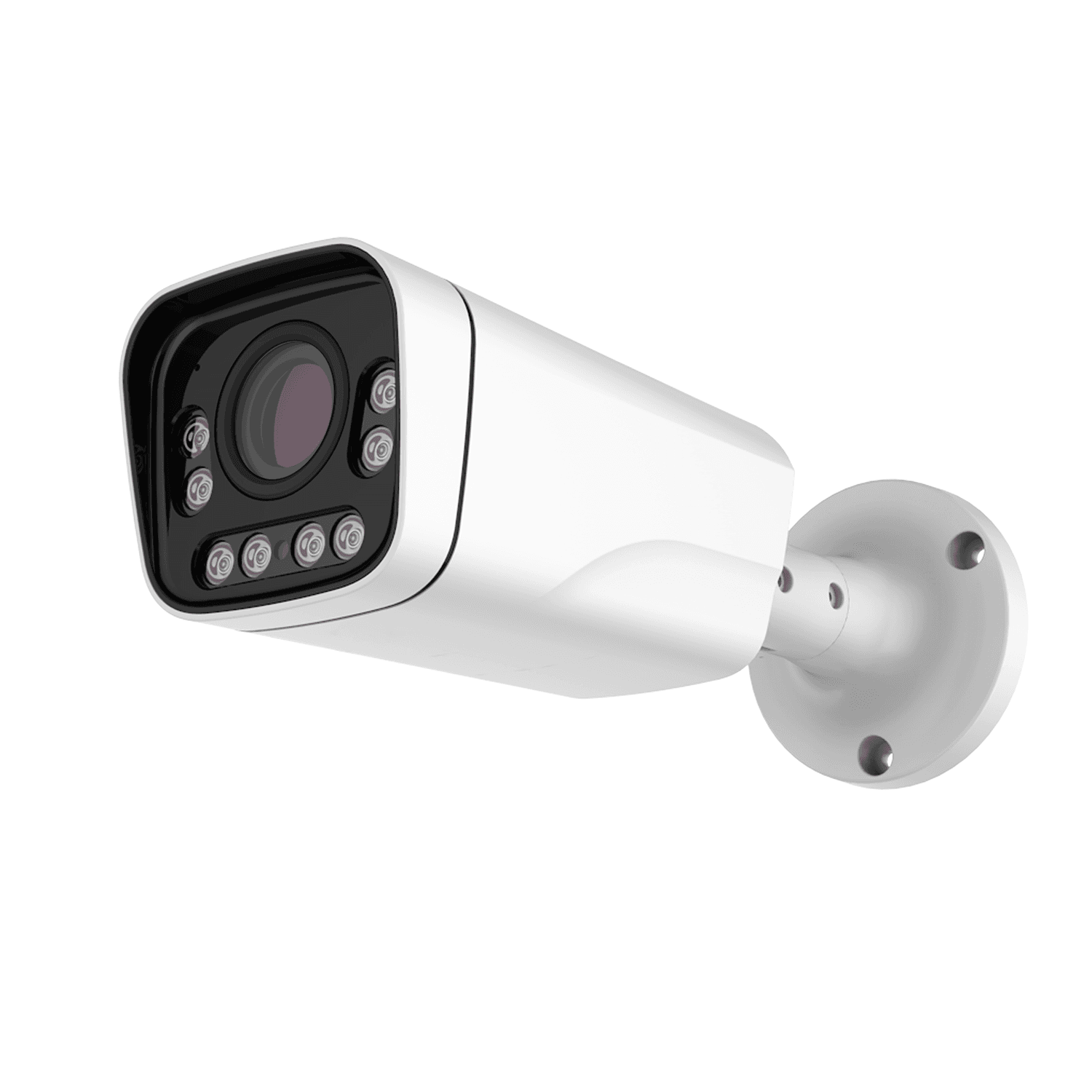 JBZ-07B-XPoE bullet Camera3MP / 5MP optionsView details
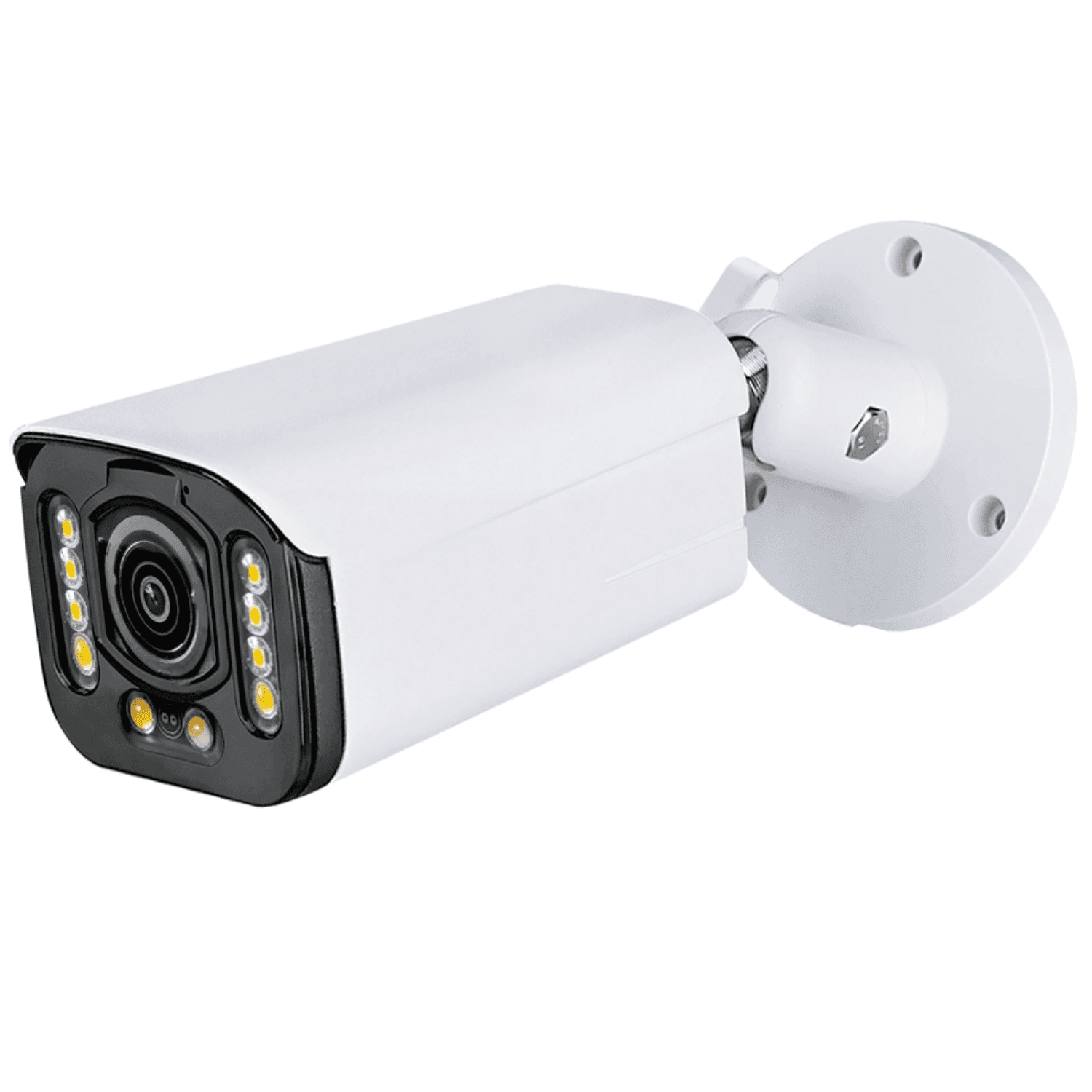 JBZ-08B-XPoE bullet Camera3MP / 5MP optionsView details
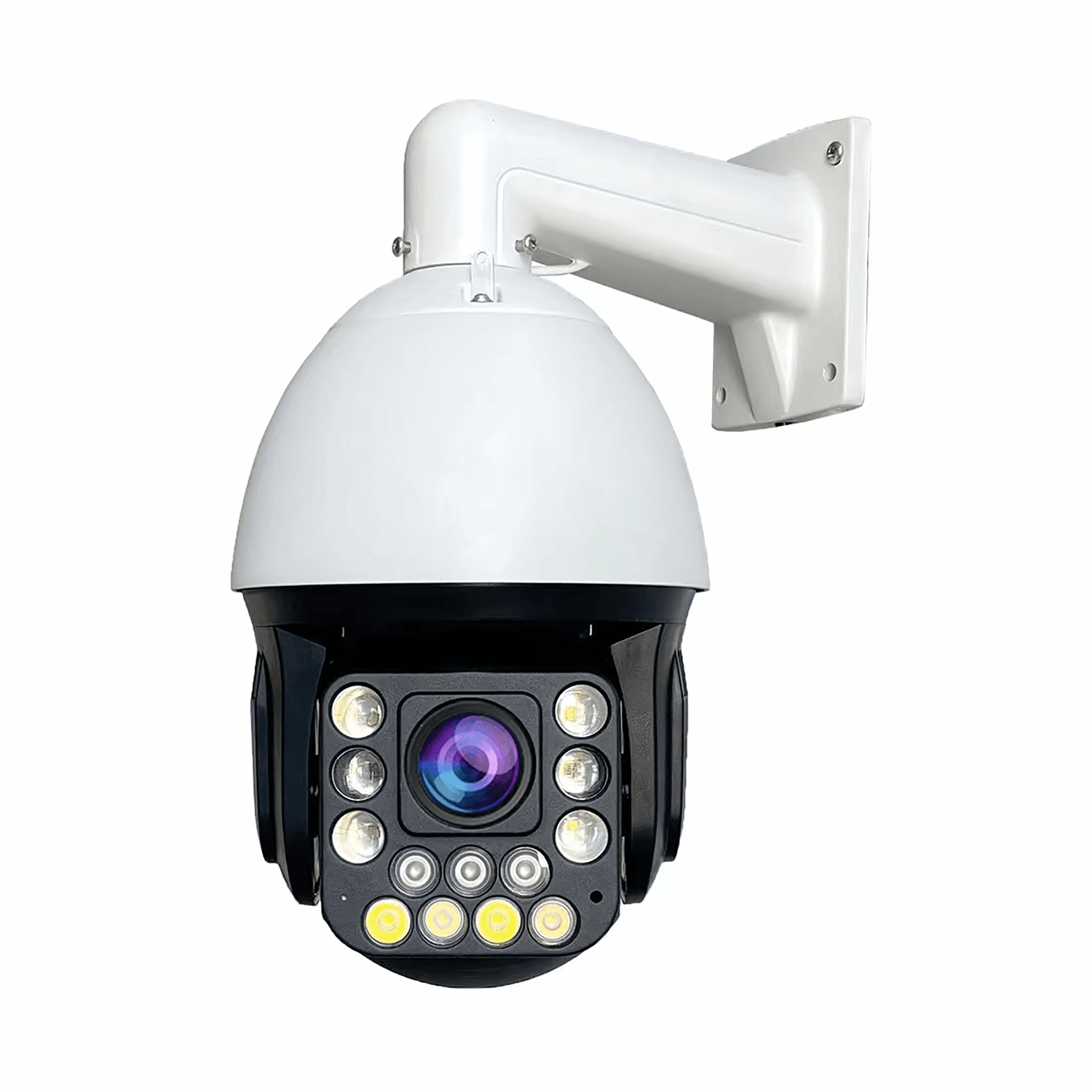 PTZ-05Q-XPoE speed dome Camera3MP / 5MP optionsView details
Catalog & OEM Inquiry
Send your target market, power source, network version and OEM requirements.
Compare key specifications and choose a model for your project.
| Model | Resolution | Connection | Power | Lens | Inquiry |
|---|---|---|---|---|---|
| 2MP | PoE | PoE | Fixed Lens | Request Quote | |
| 4MP | PoE | PoE | Fixed Lens | Request Quote | |
| 5MP | PoE | PoE | Fixed Lens | Request Quote |
Related camera categories: PoE Bullet Cameras · PoE Dome Cameras · PoE Turret Cameras · PoE PTZ Cameras · Single-lens cameras across the catalog
PoE cameras transmit network video and receive power through a single Ethernet cable. Explore our IP Cameras to compare network camera options.
All ports show functional connections only, not the rear-panel positions of any specific model. Check the selected camera, recorder, switch and power specifications before installation.
Local recording and viewing on the connected monitor do not require internet. Remote viewing requires internet access and a supported, correctly configured remote-access method.
No. Confirm PoE support and power requirements for the exact camera. An IP camera can instead use a separate DC supply.
Review camera and recorder compatibility first. A recorder without PoE power ports may require an external PoE switch; also check input channels and recording limits.
Send the target market, camera positions, lens and resolution needs, lighting, recorder details, cable plan, quantity and branding requirements.
JBE-01VPoE dome Camera2MP / 5MP / 4MP / 8MP optionsView details JBE-01DPoE turret Camera3MP / 5MP / 8MP optionsView details JBE-01QPoE Camera3MP / 5MP / 8MP optionsView details JBE-02VPoE dome Camera2MP / 4MP / 5MP / 8MP optionsView details JBE-01BPoE bullet Camera3MP / 5MP / 8MP optionsView details JBE-03BPoE bullet Camera2MP / 4MP / 5MP / 8MP optionsView details JBE-02DPoE turret Camera4MP / 5MP / 8MP optionsView details JBE-01PPoE turret Camera4MP / 5MP / 8MP optionsView details JBE-04BPoE bullet Camera4MP / 5MP / 8MP optionsView details JBZ-07B-XPoE bullet Camera3MP / 5MP optionsView details JBZ-08B-XPoE bullet Camera3MP / 5MP optionsView details PTZ-05Q-XPoE speed dome Camera3MP / 5MP optionsView details