Mark entrances, aisles and working distances on the site layout. Choose the lens view and useful detail before comparing resolution; a wider view is not a substitute for a dedicated detail camera.
Plan one cable for data and power
PoE carries camera data and power through an Ethernet cable, so a separate power outlet is not needed at that camera position. Check the selected camera, PoE switch or PoE NVR, port capability and total power budget. IP networking alone does not establish PoE support.
Test recording and night views
Confirm NVR input and decoding limits, storage retention, stream formats and the functions required by the project. Test night illumination, reflections and remote playback using the exact sample configuration.
Separate entrance coverage from counter and aisle detail.
PoE Camera Installation and Connections
All ports show functional connections only, not the rear-panel positions of any specific model. Check the selected camera, recorder, switch and power specifications before installation.
1. Direct Connection to a PoE NVR
Connect each compatible PoE camera to a camera PoE port on the PoE NVR using an Ethernet cable.
Connect the NVR LAN port to the router or local network. Connect a local monitor to the NVR HDMI output.
Connect the specified NVR power supply. Check the PoE standard, per-port power and total power budget for the selected cameras.
Configure and verify local recording. Internet access and the supported remote-access setup are required for viewing from outside the local network.
2. Connection via a PoE Switch
Connect compatible PoE cameras to the PoE switch. A non-PoE IP camera needs its own specified power supply and an Ethernet data connection to the LAN.
Connect the switch uplink to the router or LAN and connect the NVR LAN port to that same network. Follow the selected equipment documentation for the network topology.
Power the NVR and PoE switch separately using their specified supplies. Connect the NVR HDMI output to a local monitor.
Add compatible cameras to the NVR and verify recording. Confirm addressing, supported protocols, recording channels and the PoE power budget before installation.
Local recording and viewing on the connected monitor do not require internet. Remote viewing requires internet access and a supported, correctly configured remote-access method.
OEM/ODM and sample support
Discuss logo and labels, packaging, manuals, accessory bundles and firmware or app requirements. Confirm feasibility for the selected camera platform and approve an exact sample before a bulk order.
Include your market, installation positions, network and power, lens and resolution needs, recorder or app, recording schedule, quantity and customization requirements.
Procurement questions
Does every IP camera support PoE?
No. Confirm PoE support and power requirements for the exact camera. An IP camera can instead use a separate DC supply.
Can these cameras use an ordinary NVR?
Review camera and recorder compatibility first. A recorder without PoE power ports may require an external PoE switch; also check input channels and recording limits.
What should a PoE camera inquiry include?
Send the target market, camera positions, lens and resolution needs, lighting, recorder details, cable plan, quantity and branding requirements.
Share the site, target market, camera type, network, power, recording needs and quantity. Include the exact models and OEM requirements you want to evaluate.
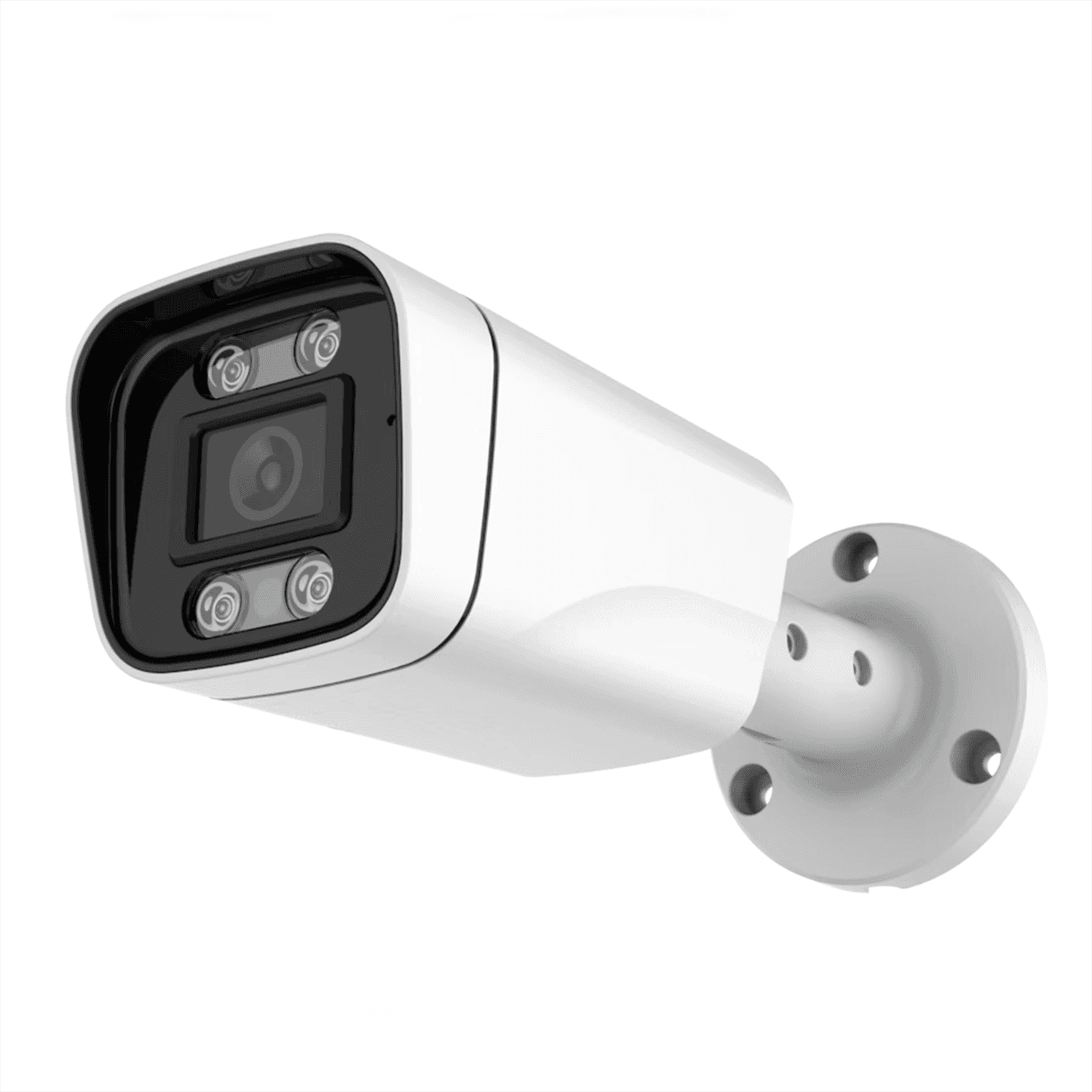 JBE-203B
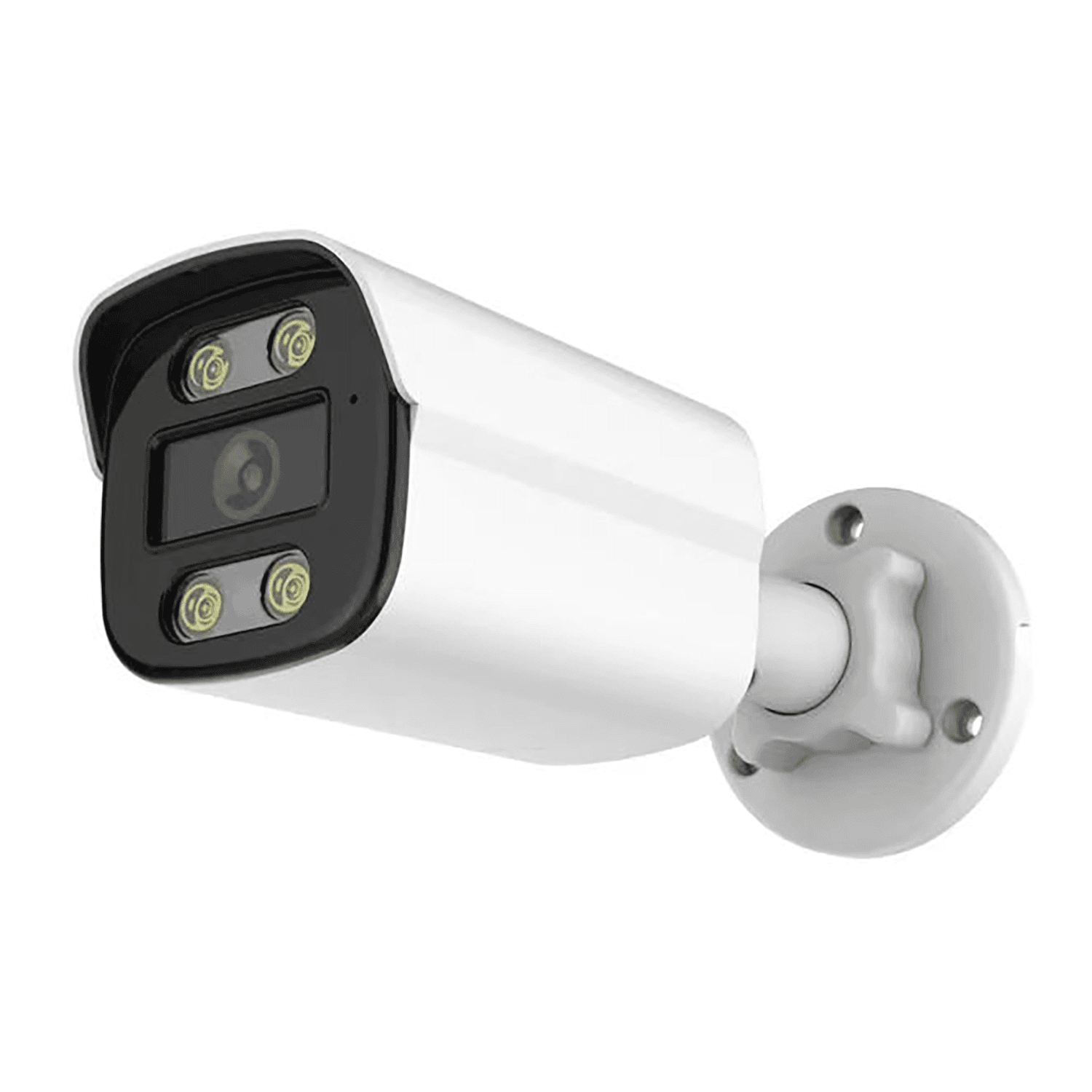 JBE-404B
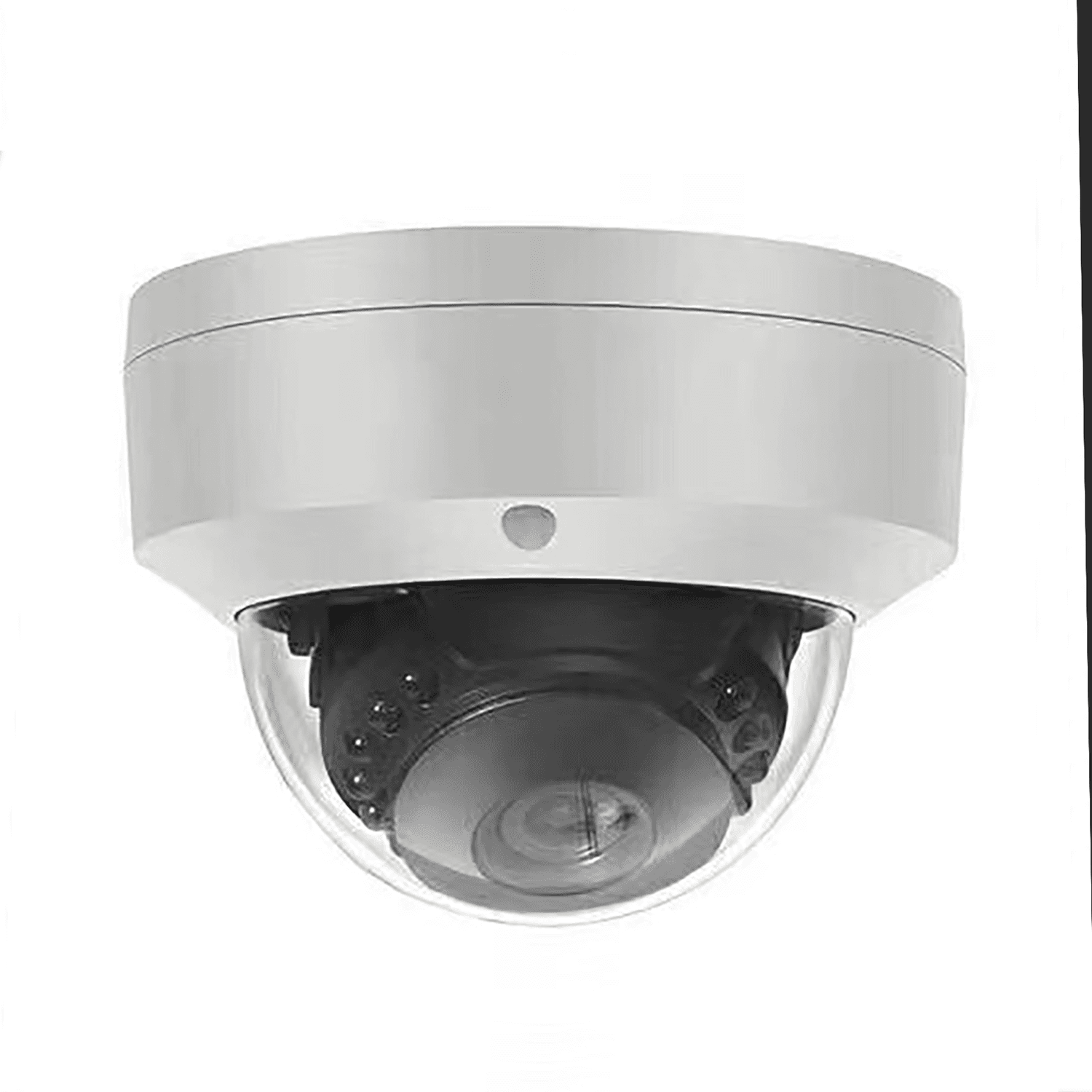 JBE-501V

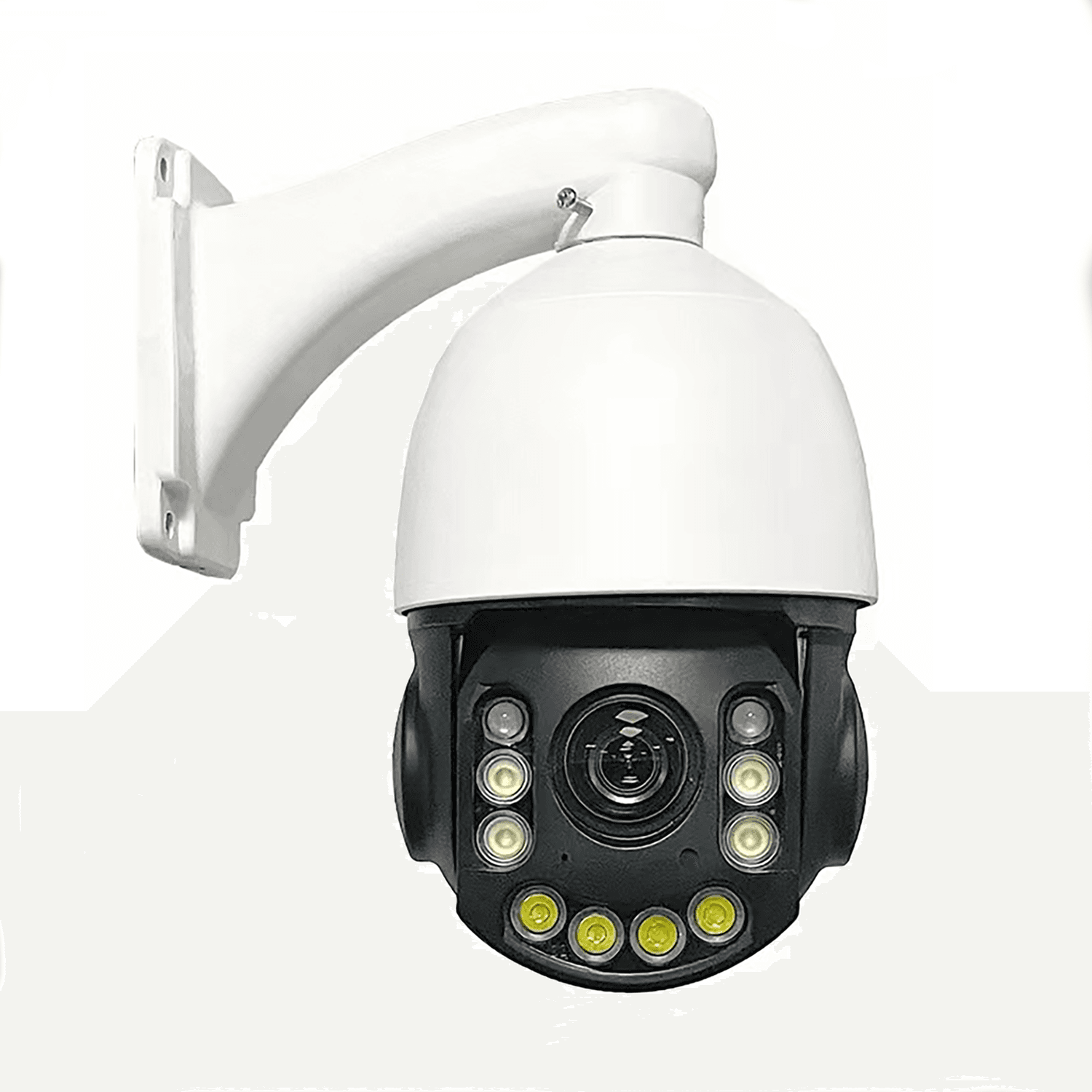 PTZ-04Q-XPoE speed dome Camera3MP / 5MP optionsView details
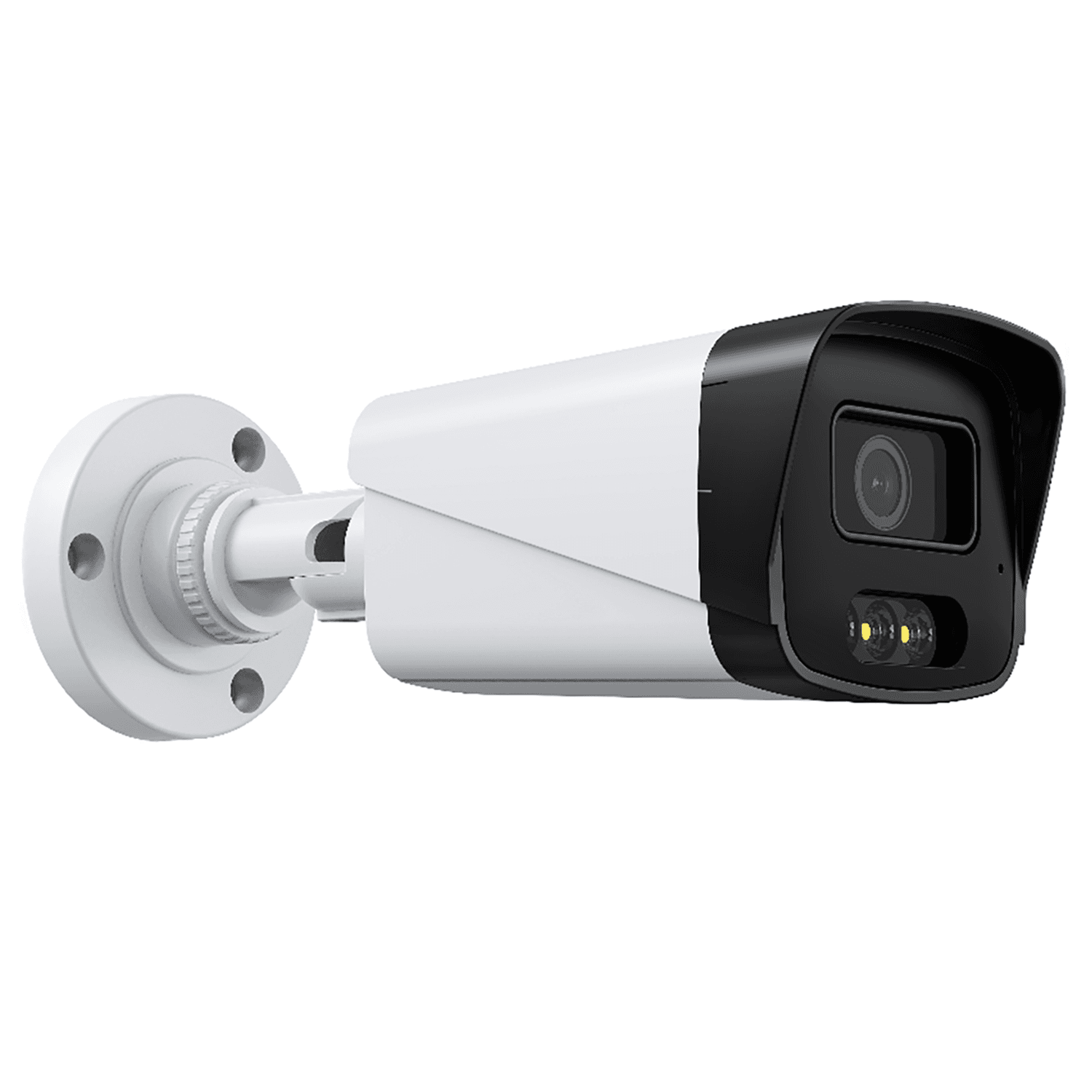 JBE-302BPoE bullet Camera3MPView details