Home & Villa Security Planning

Home & Villa Security Camera Solutions

Home and villa projects usually need visibility at the entrance, driveway, yard and indoor access points while balancing finished interiors, WiFi coverage and recorder expectations. JBCVISION helps distributors and project buyers compare WiFi and PoE camera directions, combine indoor and outdoor models, and prepare a practical camera list before sampling or bulk order.

Bright modern villa entrance and living area for home security camera planning
Project Planning Context

Plan the Right Camera System for Your Home or Villa

A home or villa camera plan should separate the front gate, driveway, yard and indoor access points instead of relying on one camera style. Camera placement depends on visitor paths, exterior lighting, privacy expectations and whether the project is a finished home or a new-build site.

Before quotation, confirm the WiFi signal, available power outlets, cable route possibilities, recording duration and whether the buyer needs app-only viewing or an NVR. This helps separate simple wireless points from stable PoE positions that may need centralized playback.

01

Neat installation in finished interiors

Problem: Entrances and driveways need a clear view of visitors, vehicles and package areas without relying on one camera for every angle.

Deployment idea: Use WiFi cameras only where signal and local power are practical.

Confirm: Not ideal for weak WiFi or larger multi-camera systems.
02

Longer playback and centralized management

Problem: Finished homes may not have easy cable routes, while new villas can often support stable PoE wiring.

Deployment idea: Use PoE cameras with NVR recording for fixed points.

Confirm: Cable routes and channel count must be confirmed.

03

Mixed indoor and outdoor requirements

Problem: Buyers need to decide whether mobile viewing is enough or if local NVR recording is required for longer playback.

Deployment idea: Combine smaller indoor cameras with weather-suitable outdoor models.

Confirm: Final model choice depends on mounting and privacy expectations.

Typical Monitoring Areas

Use the planning diagram as a discussion aid. It is not a real project floor plan or a coverage calculation.

01020304Illustrative home & villa security layoutNot a coverage guarantee. Final positions depend on layout, lens, lighting and installation conditions.
01

Front gate or entrance

Visitors, packages and vehicle entry.

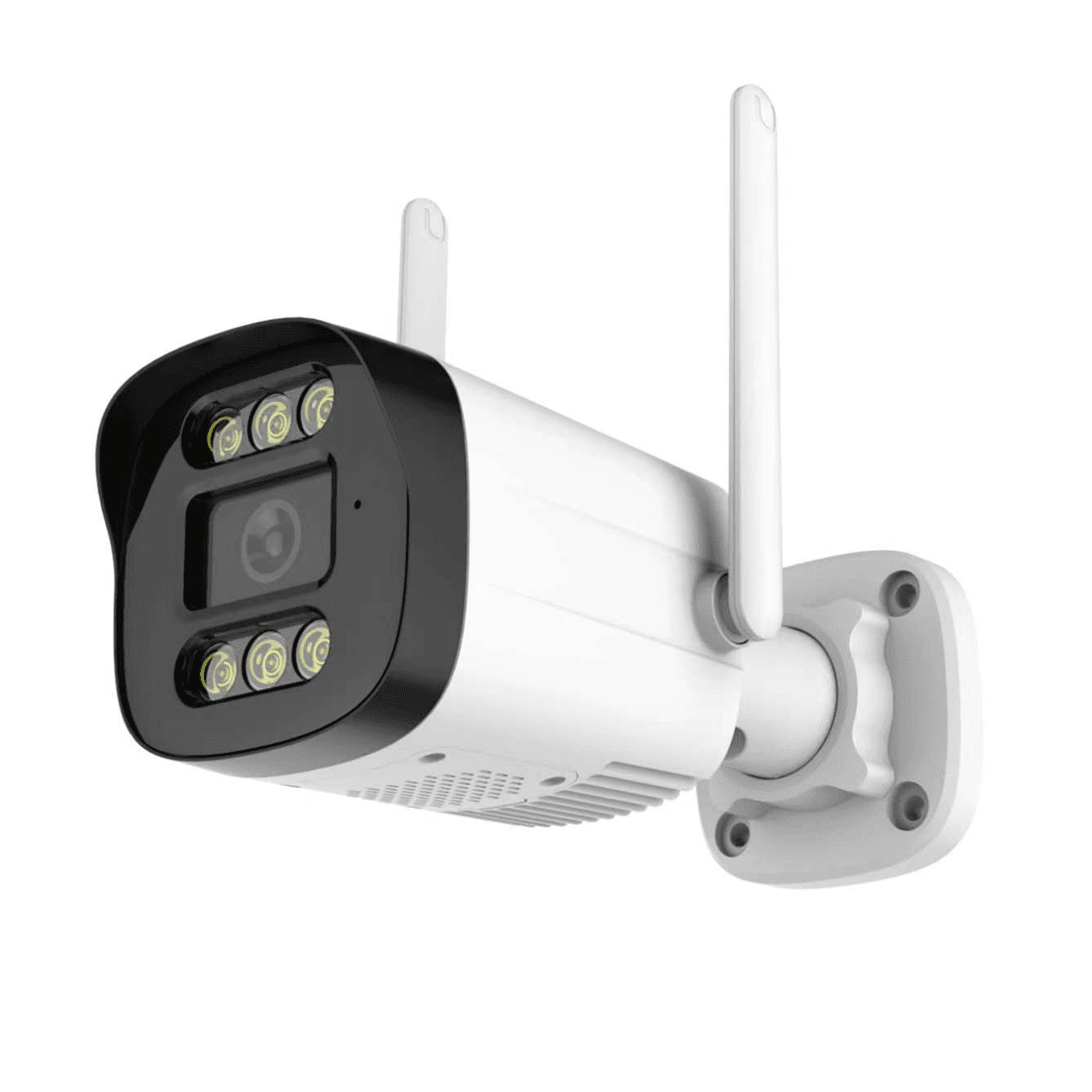
WiFi bullet or PoE bullet camera. Confirm: Confirm mounting surface, night lighting and power access.
02

Garage and driveway

Vehicles, garage doors and side approach paths.

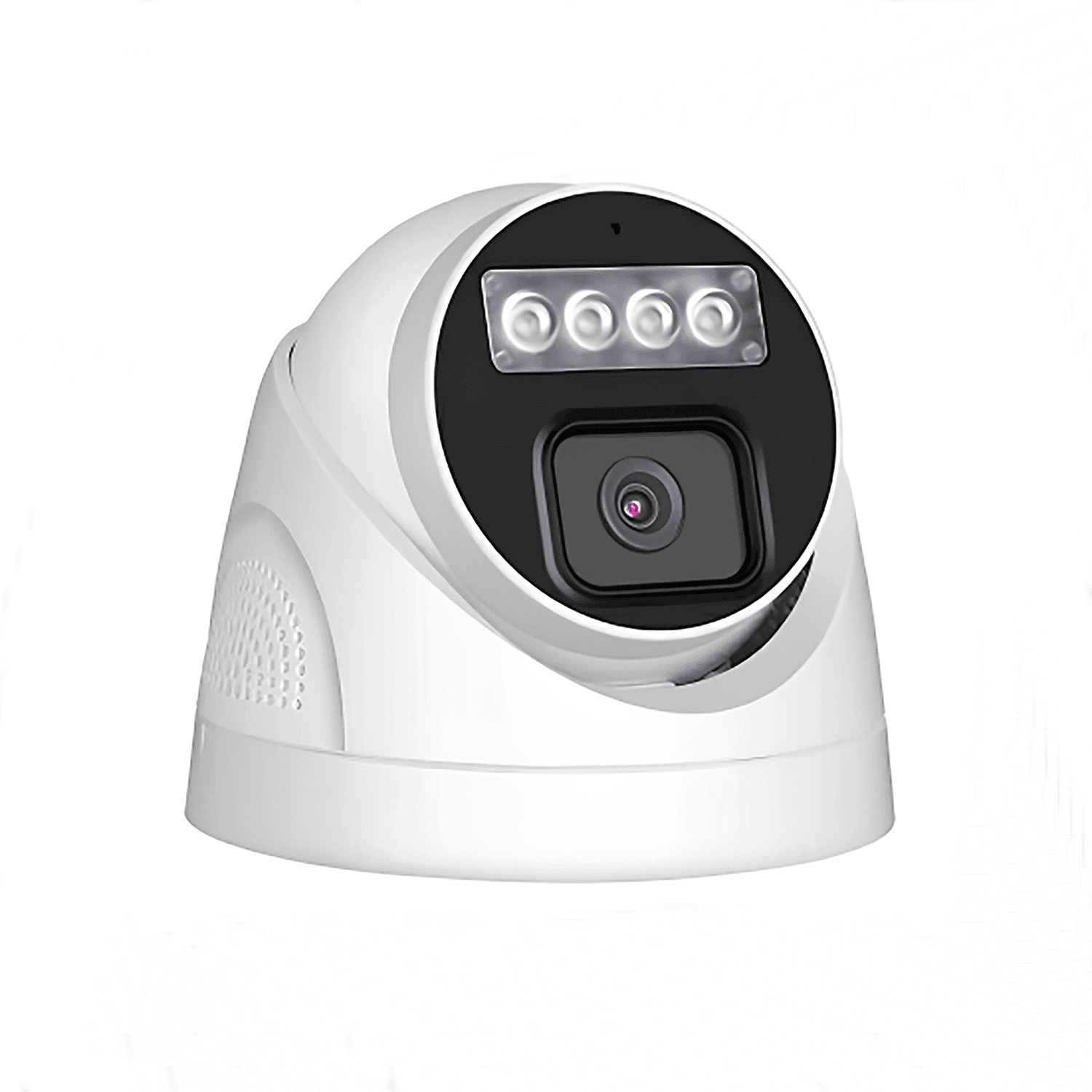
PoE turret or bullet camera for stable outdoor coverage. Confirm: Check cable route from garage to recorder or router.
03

Backyard or side yard

Fence line, patio, garden and rear entrances.

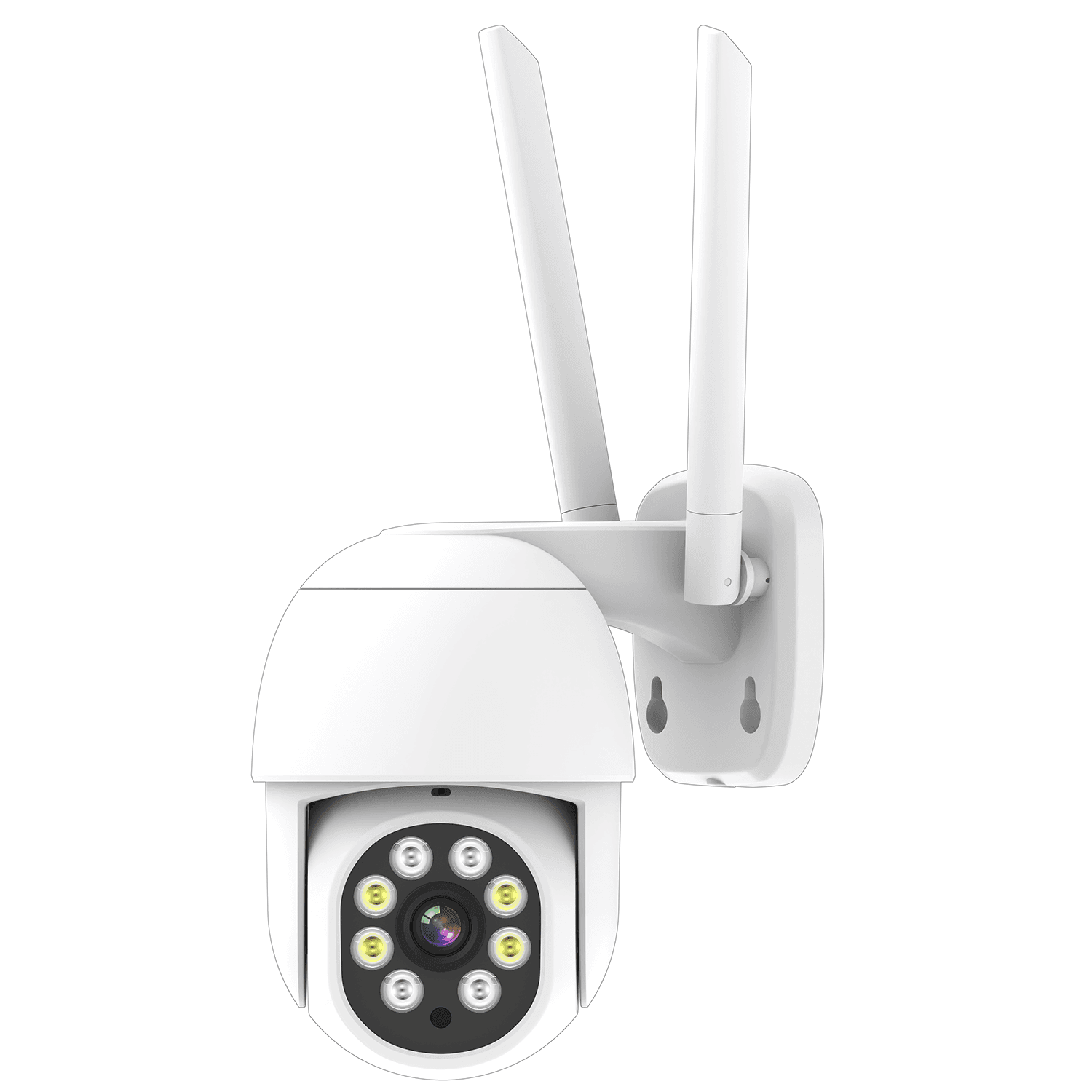
Outdoor WiFi or PoE camera depending on distance. Confirm: Check WiFi signal if cable is not planned.
04

Indoor entry area

Main door hallway and interior access point.

Compact indoor WiFi camera. Confirm: Confirm privacy expectations and app viewing needs.

Compare Deployment Options

Choose the structure according to power, network, recording, expansion and project installation conditions.

OptionSuitable ConditionsEquipmentConnection LogicPlanning Notes
WiFi camera plan for finished homesFinished homes, apartments or villas where running Ethernet cable is difficult and the buyer mainly needs app viewing at a limited number of points.WiFi indoor or outdoor cameras, Existing home router, Power adapters or nearby outlets, Optional TF card or model-specific storageCamera receives power locally, connects to the home router over WiFi, and supports remote viewing through the applicable app or access method confirmed for the model.Signal strength must be checked at the gate, garage and yard. Thick walls, metal doors and long distance from the router may require repositioning or a different system plan.
PoE villa system with local recordingNew-build villas, renovation projects or larger homes where stable wired recording and centralized playback are required.PoE cameras for outdoor and indoor points, PoE NVR or external PoE switch plus NVR, Router for remote access, HDD storage selected by recording targetPoE cameras use Ethernet for both power and data. Video is recorded locally on the NVR, and remote viewing depends on the site network and confirmed software compatibility.Confirm cable paths, NVR channel count, PoE budget and recorder location before quotation. Not every NVR structure is the same, so PoE-port recorders and external-switch designs should be separated.

Simple WiFi home monitoring

WiFi CameraRequired
Home RouterRequired
Mobile AppOptional
Optional TF CardConnection

Suitable when cable routing is difficult and the buyer mainly needs app access for several key points.

PoE villa recording system

PoE CamerasRequired
PoE NVR or PoE SwitchRequired
NVR StorageRequired
Mobile / MonitorConnection

Better for new-build villas or projects that require stable wired recording and centralized playback.

Recommended Products

These product entries are starting points for this solution. Lens, storage, power, network and system compatibility should be confirmed for the actual project.

Project Planning Checklist

Prepare these details so JBCVISION can review camera quantity, system structure and OEM/ODM sourcing requirements more efficiently.

Home & Villa Security FAQ

Should a home project use WiFi cameras or PoE cameras?

WiFi is often simpler for finished homes with a few points, while PoE is better for stable multi-camera recording where cabling can be planned.

Does every villa project need an NVR?

No. Some buyers only need app viewing or model-specific local storage. NVR planning becomes more important when several fixed cameras and longer playback are required.

Can outdoor and indoor cameras be mixed in one plan?

Yes. Outdoor entrances and yards often need weather-suitable cameras, while indoor access points may use smaller models. Compatibility should be confirmed by model.

What affects WiFi camera stability?

Router distance, walls, metal doors, interference and the number of connected devices can affect stability. Signal should be checked at every planned camera point.

What information helps JBCVISION quote a home or villa system?

A floor plan, monitoring points, power and WiFi condition, recording expectations, quantity and branding needs are the most useful starting details.

Discuss Your Security Camera Project

Tell us your site type, monitoring points, power and network conditions, recording needs, quantity and expansion plan.

Email: sales@jbcctvcamera.com

Request a Quote