Small Business Security Planning

Small Business Security Camera Solutions

Small business projects need a practical balance between simple installation, key-area visibility and future expansion. JBCVISION helps buyers choose WiFi or PoE directions for reception, office entrances, public areas and storage rooms without turning the page into a consumer shopping flow.

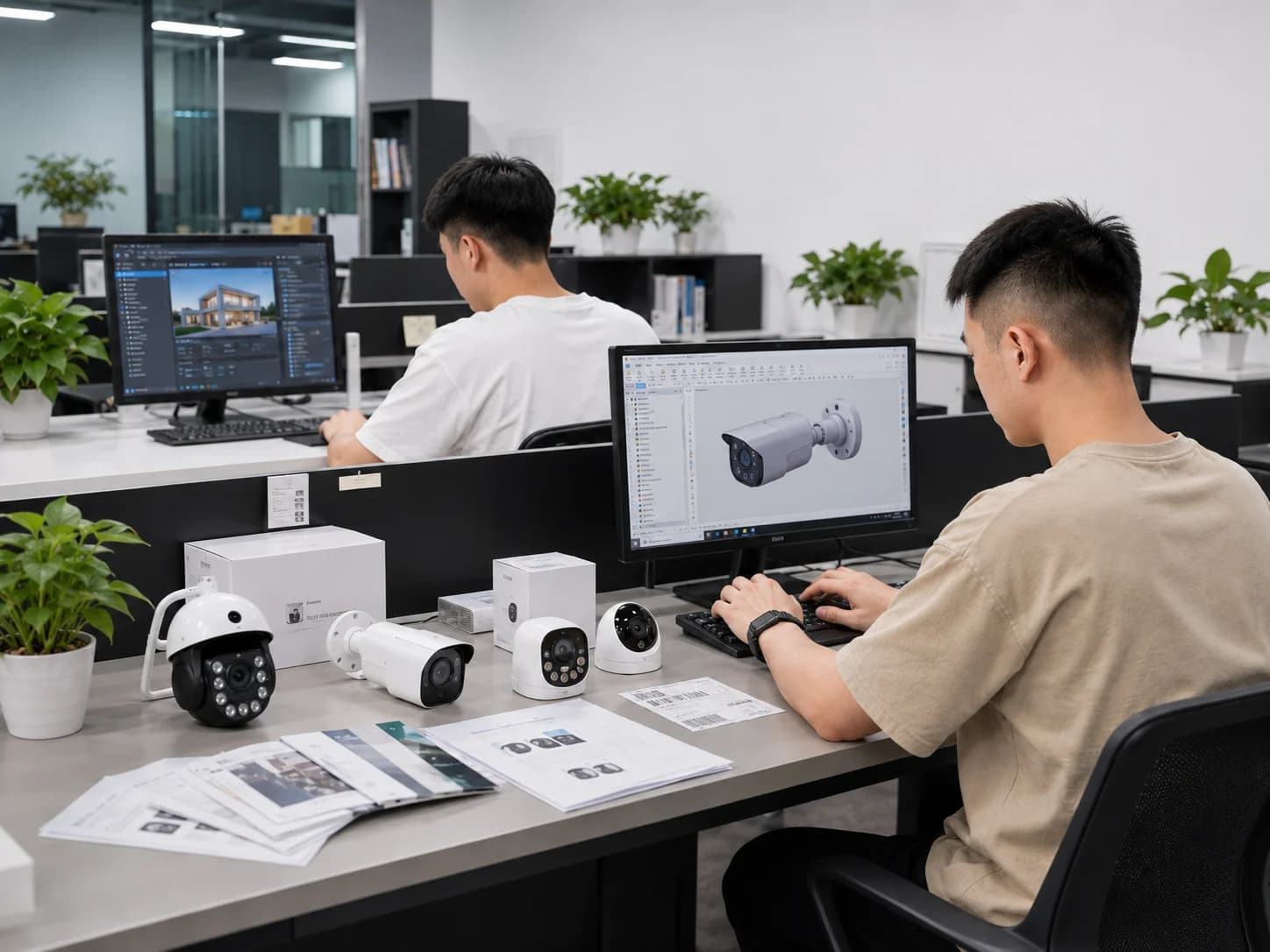
Bright office workspace for small business security camera planning
Project Planning Context

Plan the Right Camera System for Your Business

A small business camera plan should focus on a few high-value points such as reception, office entrances, public areas and storage rooms. The goal is practical visibility and reliable playback without creating an oversized industrial system for a compact site.

Before quotation, confirm the floor layout, router position, available power outlets, cable feasibility, recording days and whether more points may be added later. WiFi can suit limited points, while a compact PoE kit is better when stable local recording is required.

01

Limited installation time

Problem: Small businesses need useful coverage without a complicated system that staff cannot manage.

Deployment idea: Use WiFi cameras only where power and signal are strong.

Confirm: Not suitable for weak WiFi or larger systems.

02

Need reliable playback

Problem: Existing walls, routers and power outlets often determine whether WiFi or PoE is practical.

Deployment idea: Use a compact PoE NVR kit for fixed points.

Confirm: Requires cable planning and recorder placement.

03

Future expansion

Problem: Owners may want remote viewing now, while still leaving room for extra cameras later.

Deployment idea: Select recorder channels and cable paths with spare capacity.

Confirm: Storage and network capacity should be reviewed.

Typical Monitoring Areas

Use the planning diagram as a discussion aid. It is not a real project floor plan or a coverage calculation.

01020304Illustrative small business security layoutNot a coverage guarantee. Final positions depend on layout, lens, lighting and installation conditions.
01

Reception or front desk

Visitors, deliveries and customer interaction.

Compact dome, turret or WiFi camera. Confirm: Confirm privacy expectations and field of view.
02

Office entrance

Staff entry, after-hours access and doorway activity.

WiFi or PoE camera depending on wiring. Confirm: Check power outlet and router/cable route.
03

Public customer area

Waiting area, dining area or service counter.

Dome or turret camera with suitable mounting. Confirm: Confirm local privacy rules and camera visibility.
04

Storage or back room

Supplies, stock and staff-only access.

PoE camera or compact system camera. Confirm: Check lighting and cable path.

Compare Deployment Options

Choose the structure according to power, network, recording, expansion and project installation conditions.

OptionSuitable ConditionsEquipmentConnection LogicPlanning Notes
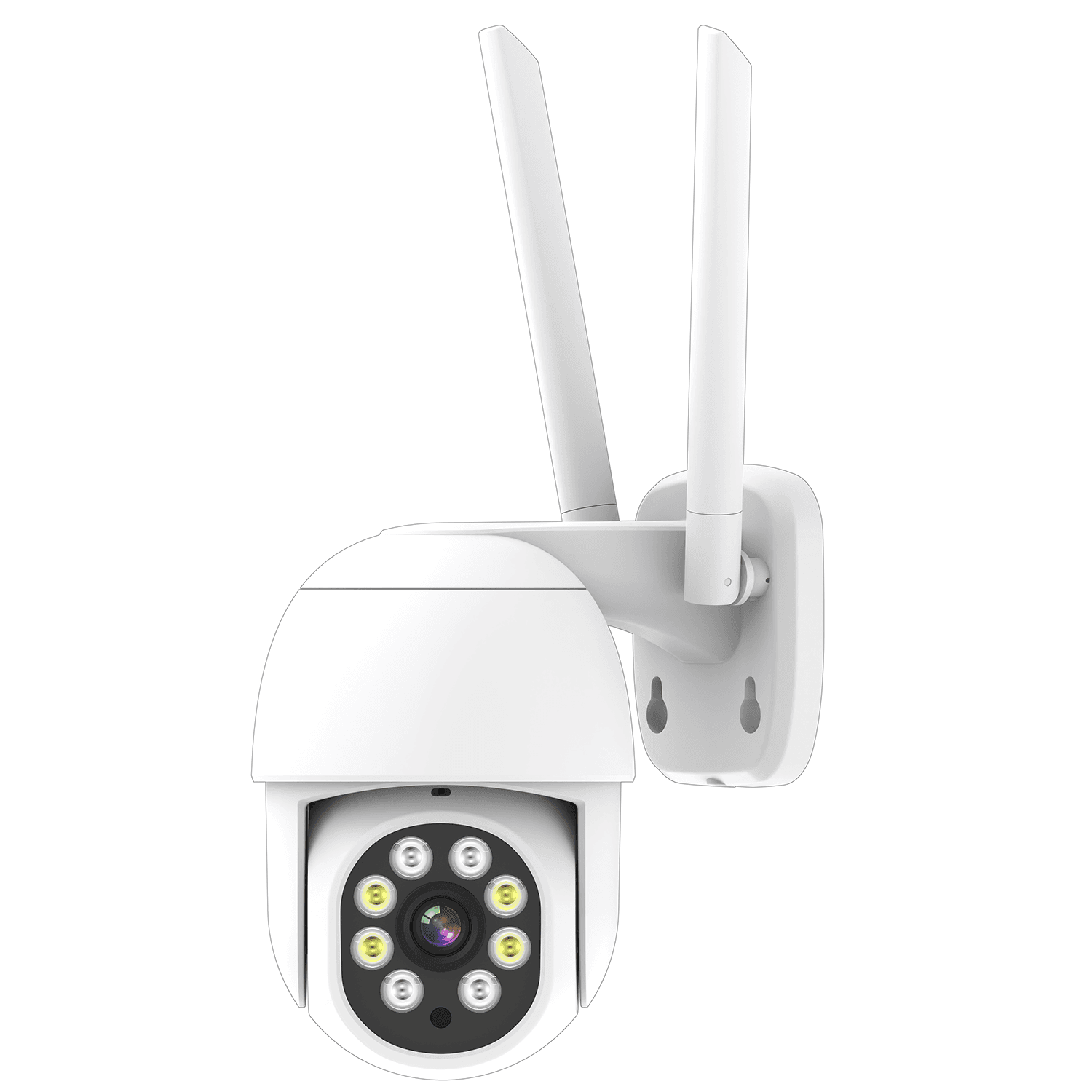
Simple WiFi setup for limited pointsSmall offices or service spaces that need a few cameras and have strong WiFi at each point.WiFi cameras, Existing router, Nearby power outlets, Optional model-specific storageCameras connect to the business router over WiFi and support remote viewing through the confirmed access method.WiFi is not ideal if the router is far away, the network is busy or the buyer expects many cameras with stable recording.
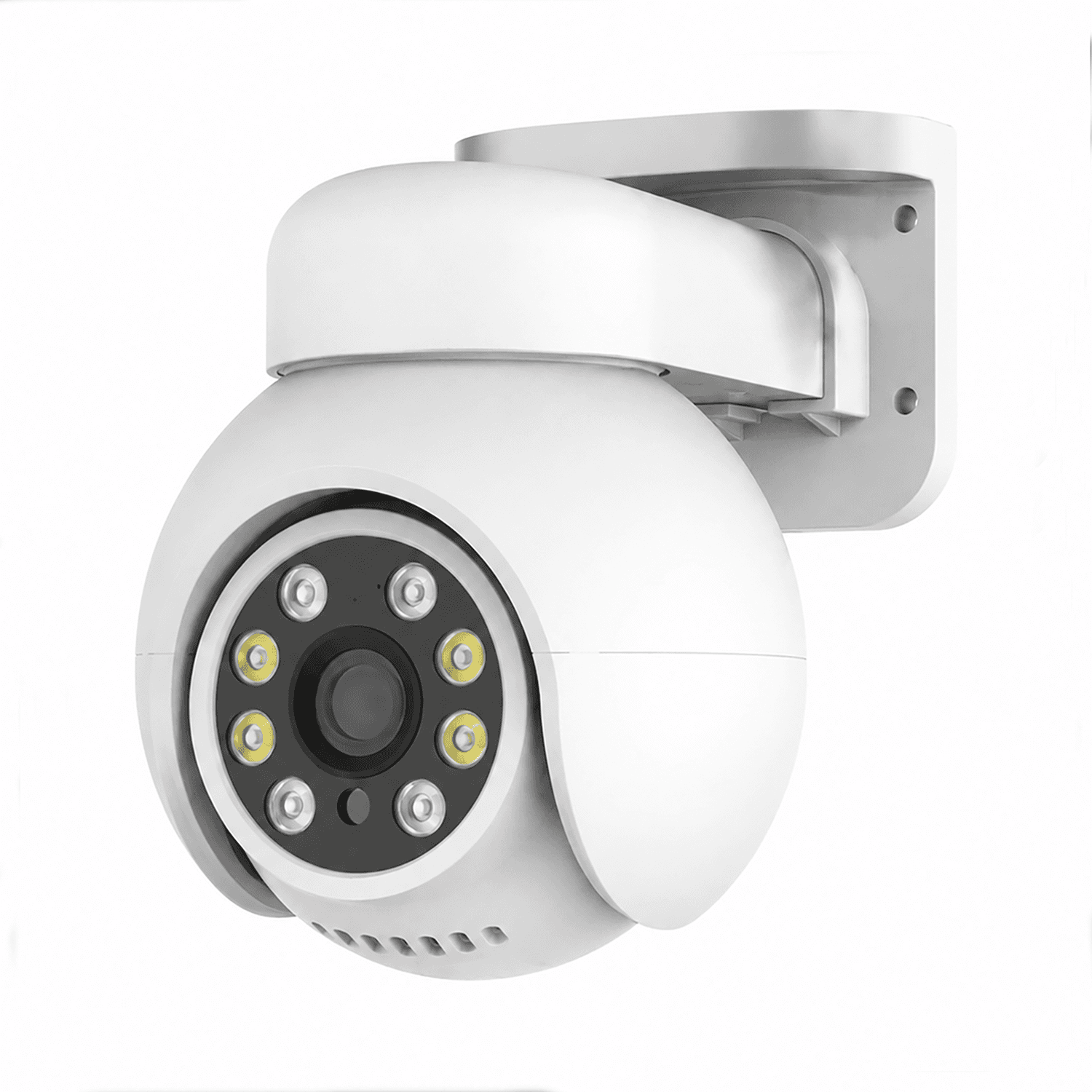
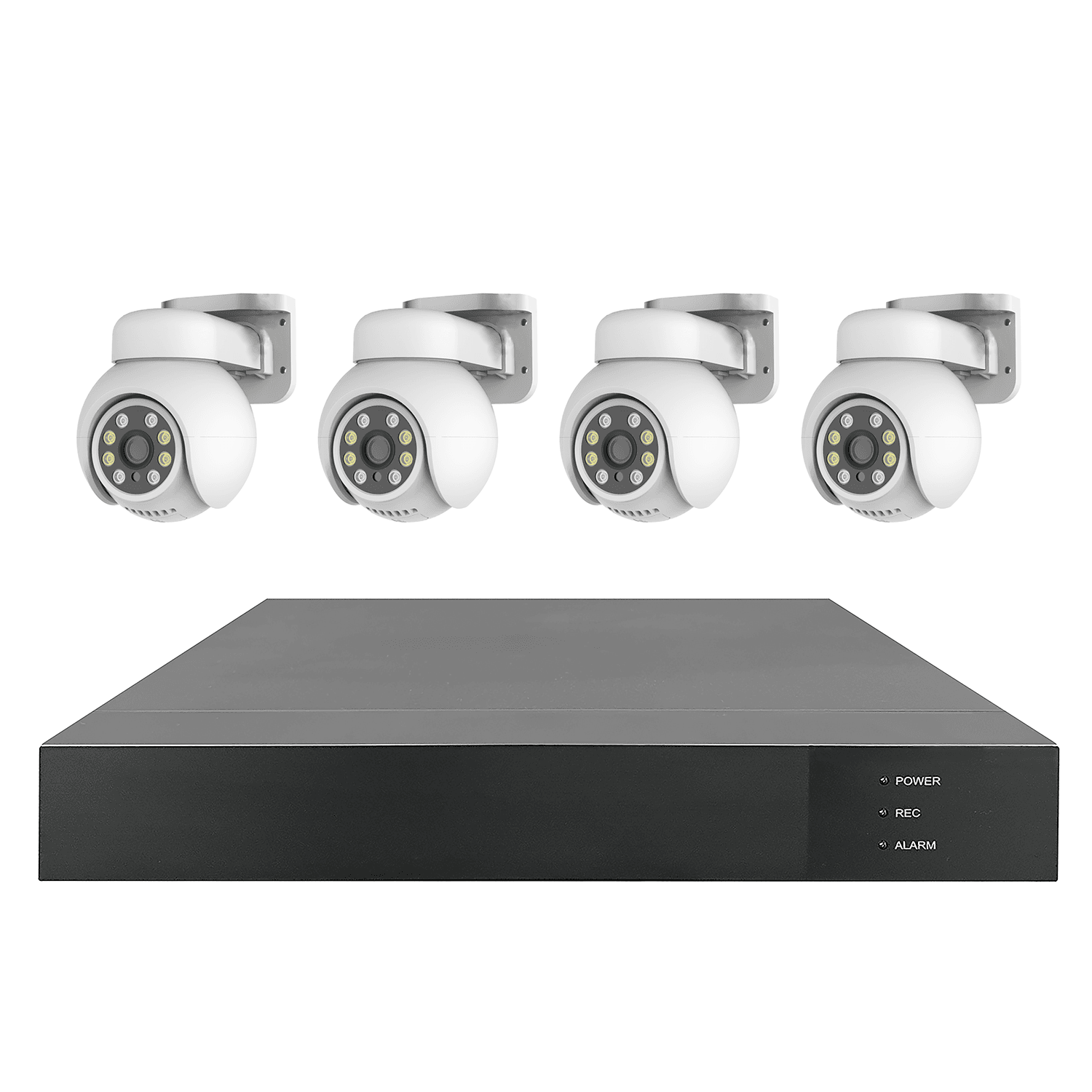
Compact PoE kit with NVRBusinesses that need stable recording at several fixed points and room for future expansion.PoE cameras, 4-channel or suitable PoE NVR kit, HDD storage, Router for remote accessPoE cameras connect to the recorder for power, data and local recording. Remote viewing depends on the site network setup.Choose channel count with future points in mind. Cable route and recorder location should be checked before purchase.

Simple WiFi business setup

WiFi CamerasRequired
Business RouterRequired
Mobile AppConnection
Optional TF CardConnection

Good for small offices or service spaces where only a few cameras are needed and wiring is limited.

Compact PoE kit for expansion

PoE CamerasRequired
4CH PoE NVRRequired
HDD StorageConnection
Monitor / AppConnection

Useful when a business wants stable recording across several points and possible future cameras.

Recommended Products

These product entries are starting points for this solution. Lens, storage, power, network and system compatibility should be confirmed for the actual project.

Project Planning Checklist

Prepare these details so JBCVISION can review camera quantity, system structure and OEM/ODM sourcing requirements more efficiently.

Small Business Security FAQ

Is WiFi enough for a small business?

It can be enough for a few points with strong signal and simple viewing needs. PoE is better for stable multi-camera recording.

How many cameras should be planned first?

Start with reception, entrances, public areas and storage rooms, then add points only where blind spots remain.

Does a small business need an NVR?

An NVR is useful when several fixed cameras need local recording and playback. For very simple app-based monitoring, it may not be required.

Can the system expand later?

Yes, if recorder channels, cable route and network capacity are considered before the first purchase.

What should be avoided in small offices?

Avoid unnecessary camera coverage of private areas and confirm local privacy expectations before final placement.

Discuss Your Security Camera Project

Tell us your site type, monitoring points, power and network conditions, recording needs, quantity and expansion plan.

Email: sales@jbcctvcamera.com

Request a Quote