Retail Store Security Planning

Retail Store Security Camera Solutions

Retail projects need fixed views at the entrance, checkout counter, aisles and stockroom so managers can review incidents and daily operations. JBCVISION helps channel buyers plan camera positions, recorder channels and product combinations without assuming unconfirmed POS, people-counting or analytics functions.

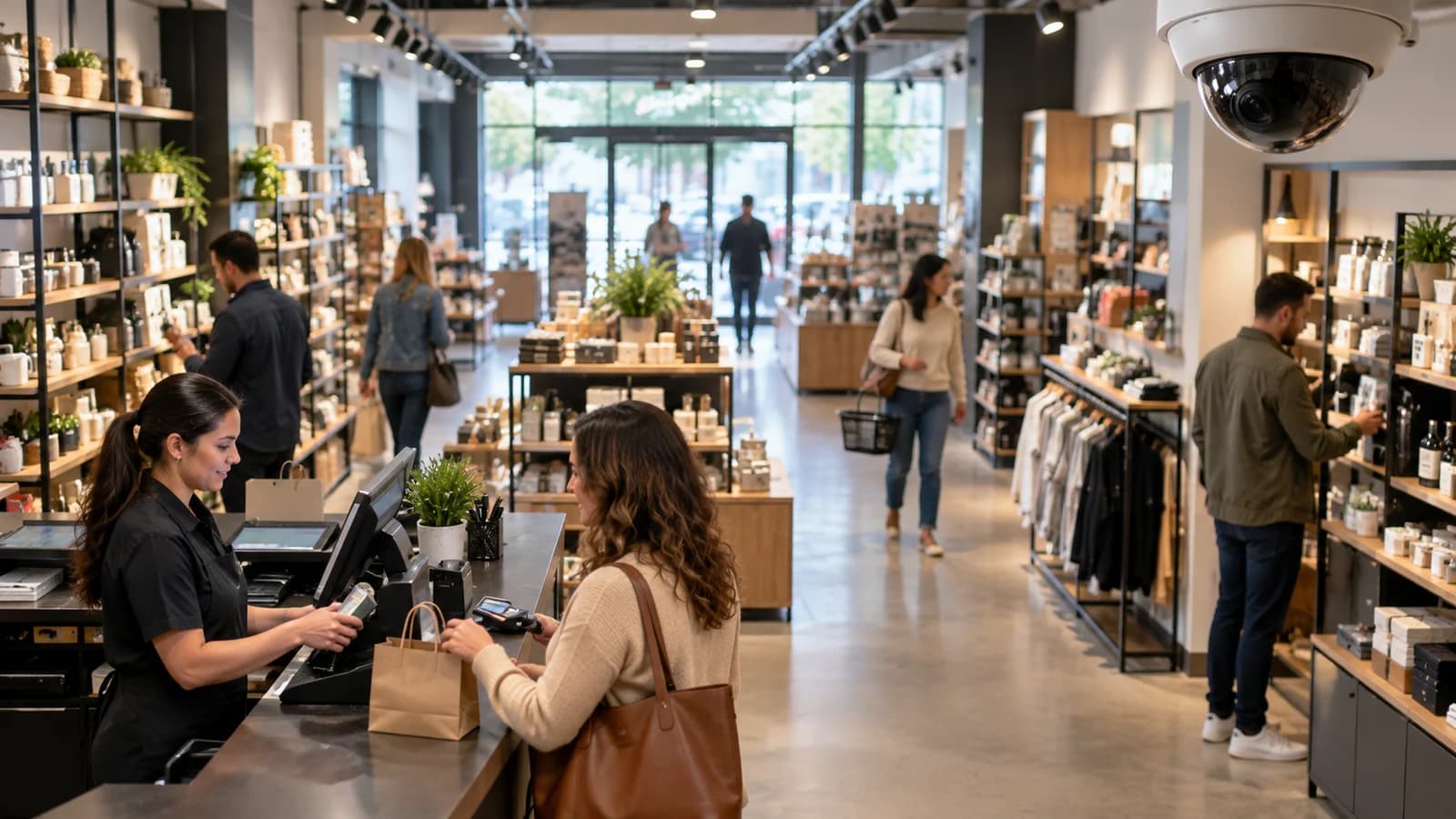
Bright retail store checkout and shelves for camera coverage planning
Project Planning Context

Plan the Right Camera System for Your Store

A retail store camera plan must balance entry visibility, checkout detail, aisle coverage and stockroom access. Glass doors, shelves, counters and ceiling height can create blind spots, so camera positions should follow the store layout rather than only the front entrance.

Before quotation, confirm checkout angle, aisle direction, recorder location, cable paths, recording days and the number of stores in the rollout. PoE recording is often stronger for fixed points, while WiFi should be limited to locations where signal and power are reliable.

01

Checkout detail review

Problem: Checkout areas need enough detail for transaction review without promising POS integration or analytics that are not confirmed.

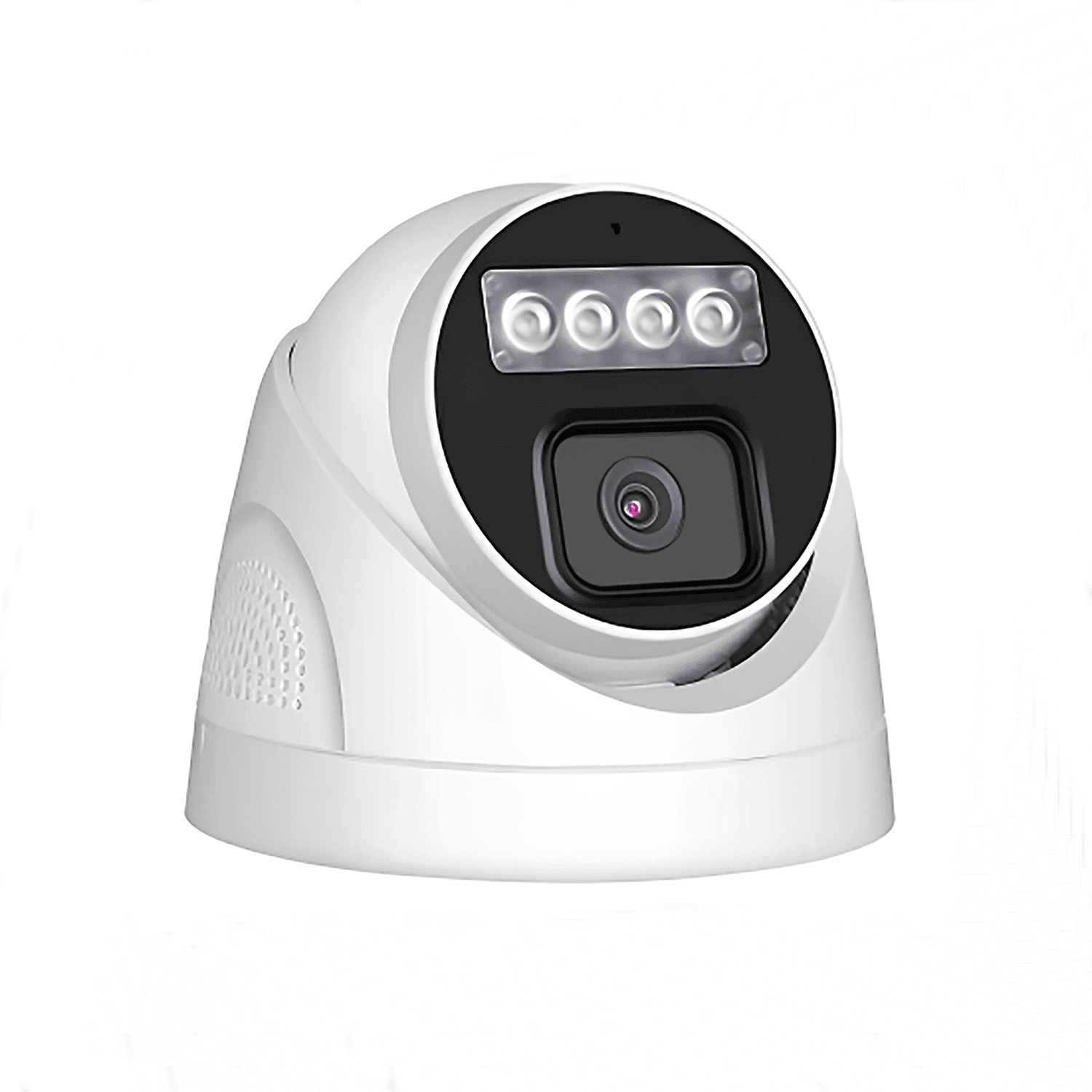
Deployment idea: Use fixed PoE dome or turret points aimed at the counter.

Confirm: Angle and privacy policy must be confirmed.

02

Shelf and aisle blind spots

Problem: Shelves and aisles can create blind spots when cameras are placed only at the front of the store.

Deployment idea: Plan cameras by aisle direction instead of using only a front-door camera.

Confirm: Shelf height and lighting affect final position.

03

Multi-store purchasing

Problem: Owners need practical playback across business hours, often from several fixed points rather than one wide view.

Deployment idea: Standardize camera families and NVR channel structures.

Confirm: Each store layout still needs a point check.

Typical Monitoring Areas

Use the planning diagram as a discussion aid. It is not a real project floor plan or a coverage calculation.

01020304Illustrative retail store security layoutNot a coverage guarantee. Final positions depend on layout, lens, lighting and installation conditions.
01

Store entrance

Customer entry, exit and doorway activity.

PoE or WiFi bullet camera facing the entrance path. Confirm: Check backlight from glass doors and mounting height.
02

Checkout counter

Cashier area, counter activity and service disputes.

PoE dome or turret camera with stable recording. Confirm: Confirm viewing angle and privacy limits.
03

Aisles and shelves

Product areas and customer movement paths.

Ceiling dome or turret camera. Confirm: Check shelf height and aisle width.
04

Stock room

Inventory access and staff-only storage areas.

PoE camera connected to central recorder. Confirm: Confirm cable route and lighting.

Compare Deployment Options

Choose the structure according to power, network, recording, expansion and project installation conditions.

OptionSuitable ConditionsEquipmentConnection LogicPlanning Notes
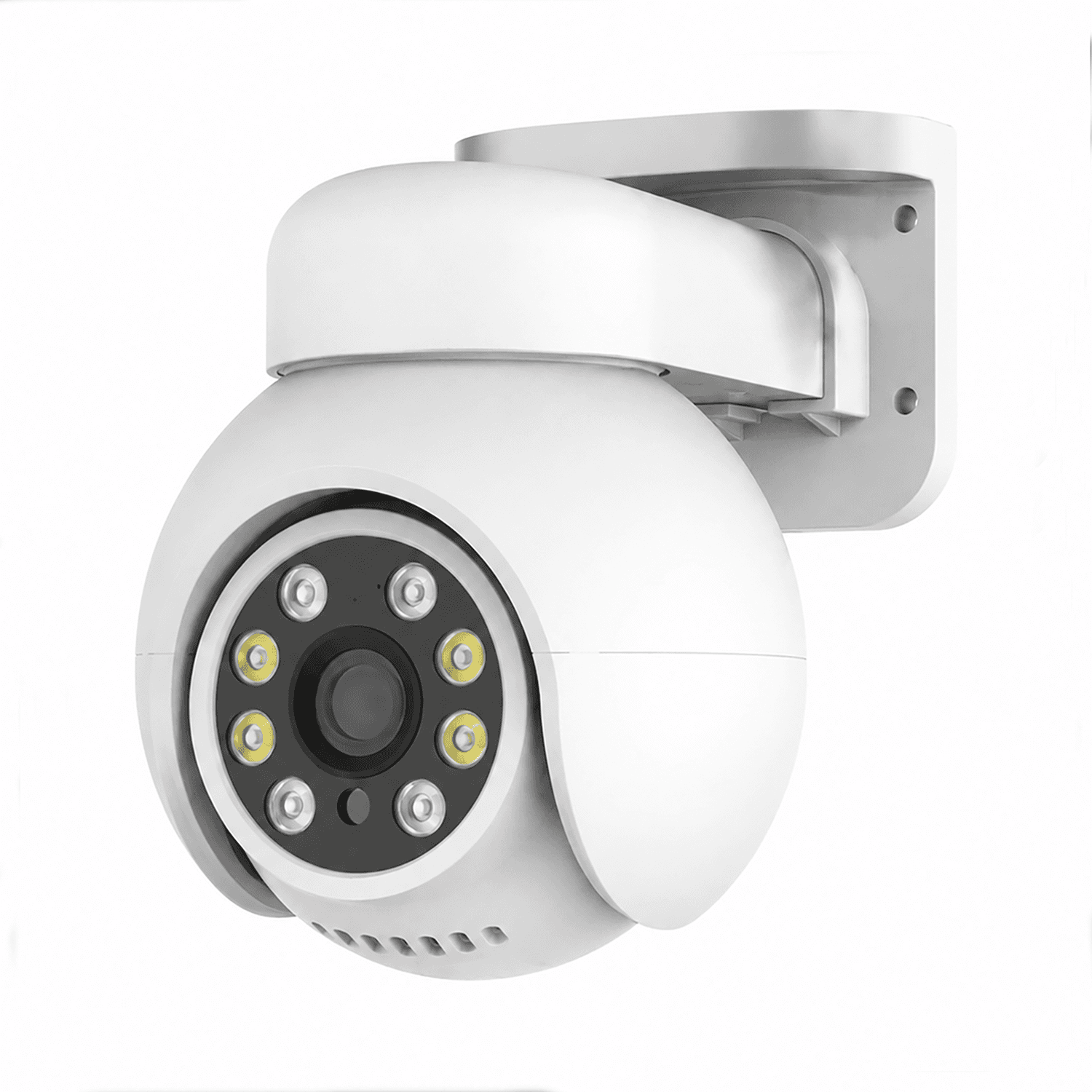
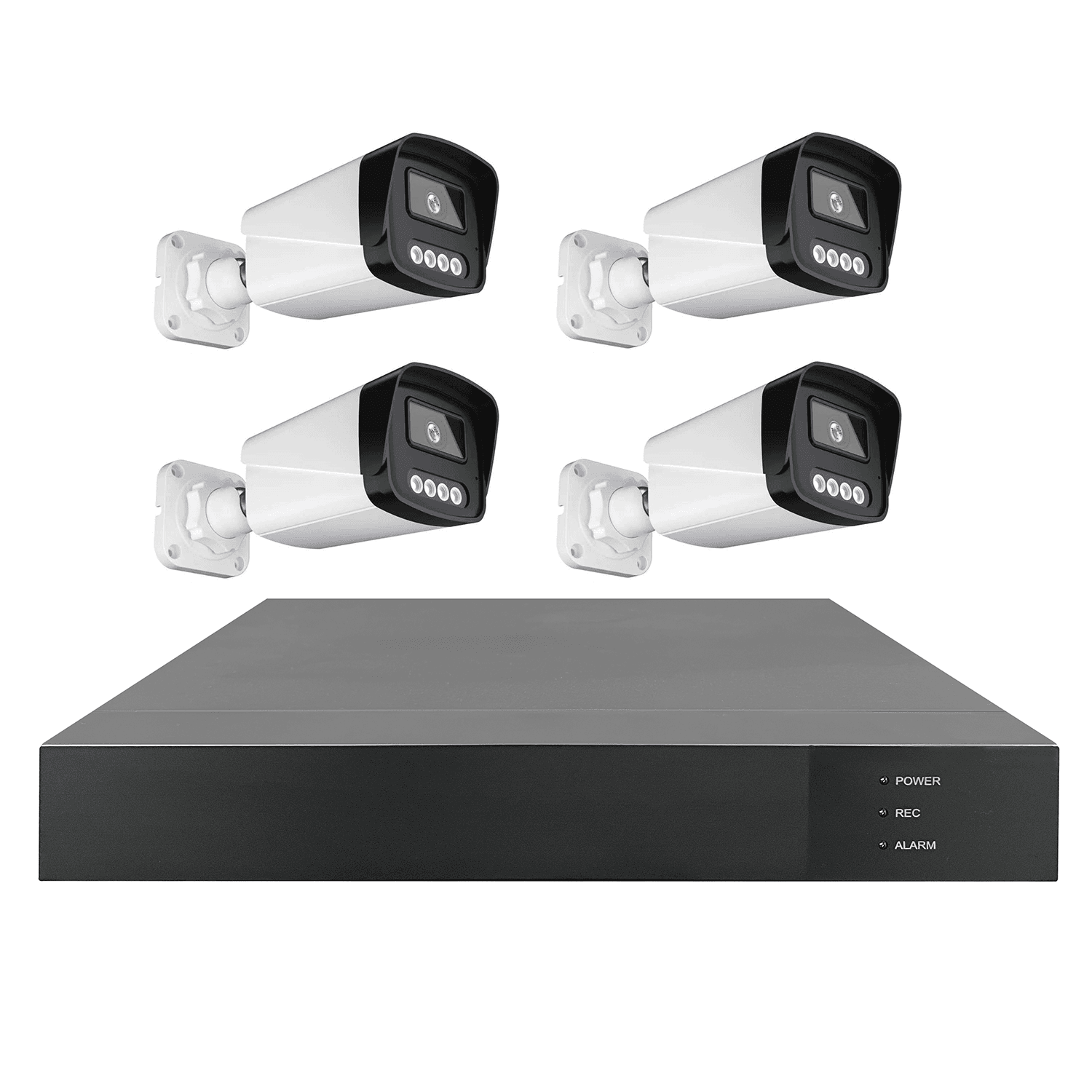
PoE recording system for fixed retail pointsStores that need reliable recording at entrances, checkout counters, aisles and stockrooms.PoE dome or turret cameras, PoE NVR or PoE switch plus NVR, HDD storage, Router for authorized remote viewingPoE cameras connect by Ethernet to a PoE NVR or switch. Video is stored locally on the NVR and can be reviewed from a monitor or remote access when configured.Confirm NVR channels, cable routes above ceilings, storage days and whether any camera requires a different lens or mounting position.
WiFi supplement for small shopsSmall stores that need one or two extra points where cabling is difficult, such as a temporary shelf area or rear room.WiFi cameras, Store router, Local power outlets, Optional model-specific local storageCameras use nearby power and connect to the store router over WiFi. Remote viewing depends on network conditions and the confirmed camera access method.WiFi should not be assumed for dense stores or larger rollouts. Busy networks, walls and metal shelves can reduce stability.

PoE retail recording system

PoE CamerasRequired
PoE NVRRequired
Local StorageOptional
Monitor / Mobile AppConnection

Best for stores that need stable multi-camera recording and simple playback from one recorder.

Small store WiFi supplement

WiFi CamerasRequired
Store RouterRequired
Mobile AppConnection
Optional Local StorageConnection

Useful for small shops when wiring is limited and only a few extra points are required.

Recommended Products

These product entries are starting points for this solution. Lens, storage, power, network and system compatibility should be confirmed for the actual project.

Project Planning Checklist

Prepare these details so JBCVISION can review camera quantity, system structure and OEM/ODM sourcing requirements more efficiently.

Retail Store Security FAQ

Can retail cameras connect to POS systems?

This solution does not assume POS integration. If POS linkage is required, the exact system and confirmed product capability must be reviewed.

Is PoE better than WiFi for retail stores?

PoE is usually preferred for fixed multi-camera recording. WiFi can be used for limited points when signal and power are practical.

Which areas should be covered first?

Start with the entrance, checkout counter, main aisles and stockroom. Additional points depend on store size and blind spots.

How should NVR channels be planned?

Count current camera points, then allow space for stockroom, extra entrances or future aisle cameras. Storage depends on recording mode and retention needs.

Can one wide camera cover the whole store?

A wide view may help orientation, but checkout details and aisle views usually require dedicated camera angles.

Discuss Your Security Camera Project

Tell us your site type, monitoring points, power and network conditions, recording needs, quantity and expansion plan.

Email: sales@jbcctvcamera.com

Request a Quote