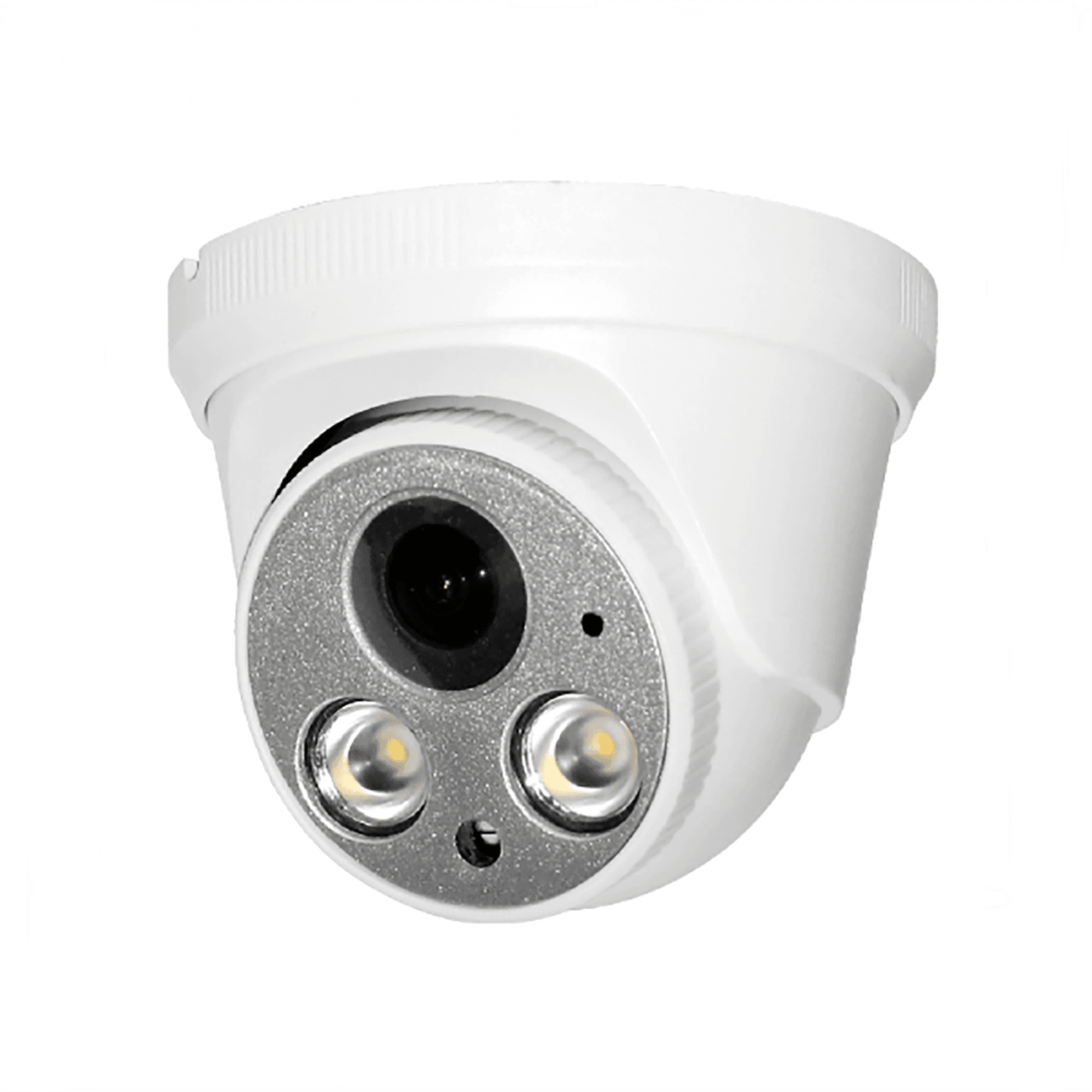
Position and viewing direction
Mark the doorway, aisle or work area you need to observe. Check adjustment clearance, cable exit and access for maintenance. A high mounting point can widen the scene but may reduce useful detail at the target.

Turret cameras for B2B procurement
Explore turret cameras for distributors, system integrators and private-label brands. Compare available PoE models by resolution, lens, mounting requirements and recording compatibility.
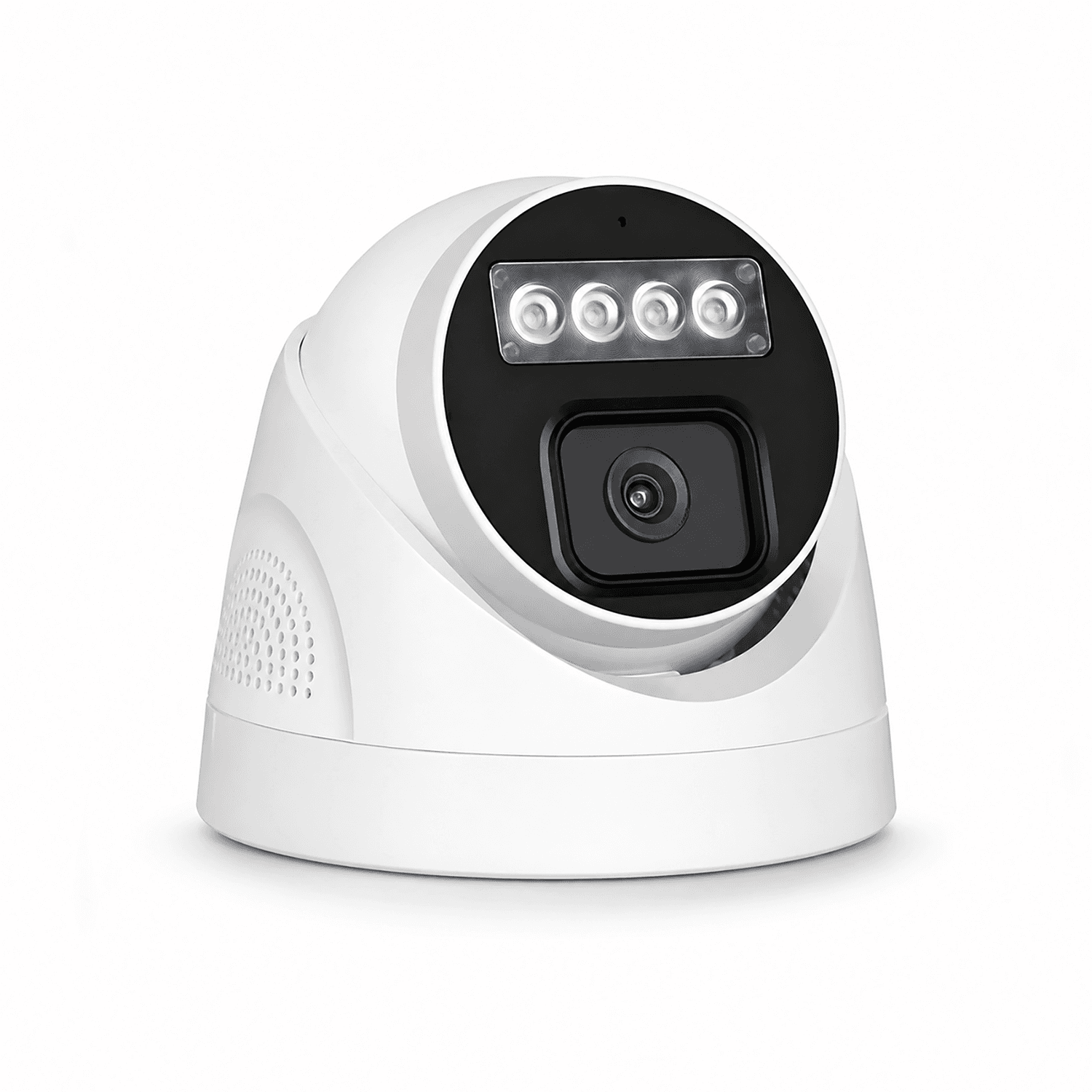
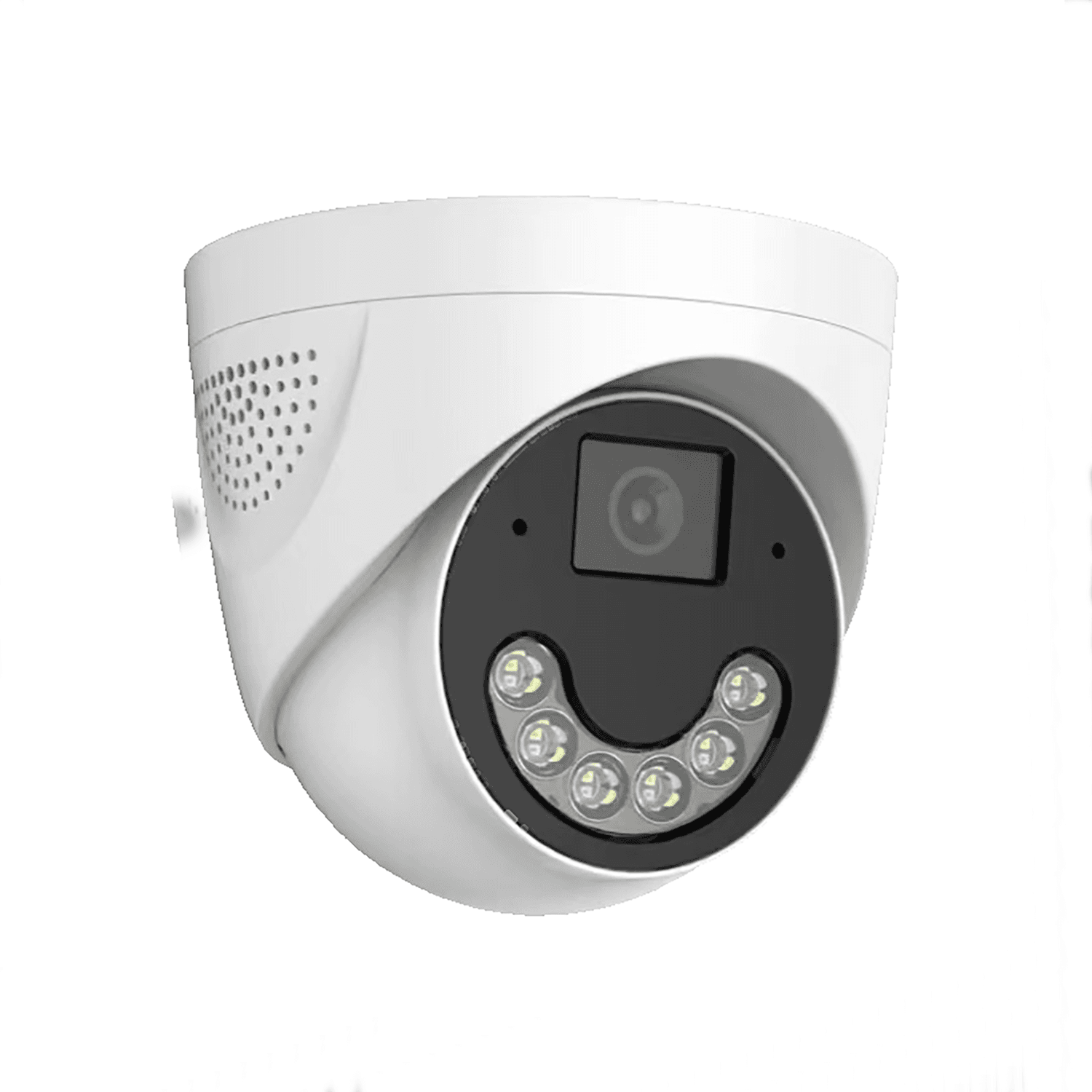
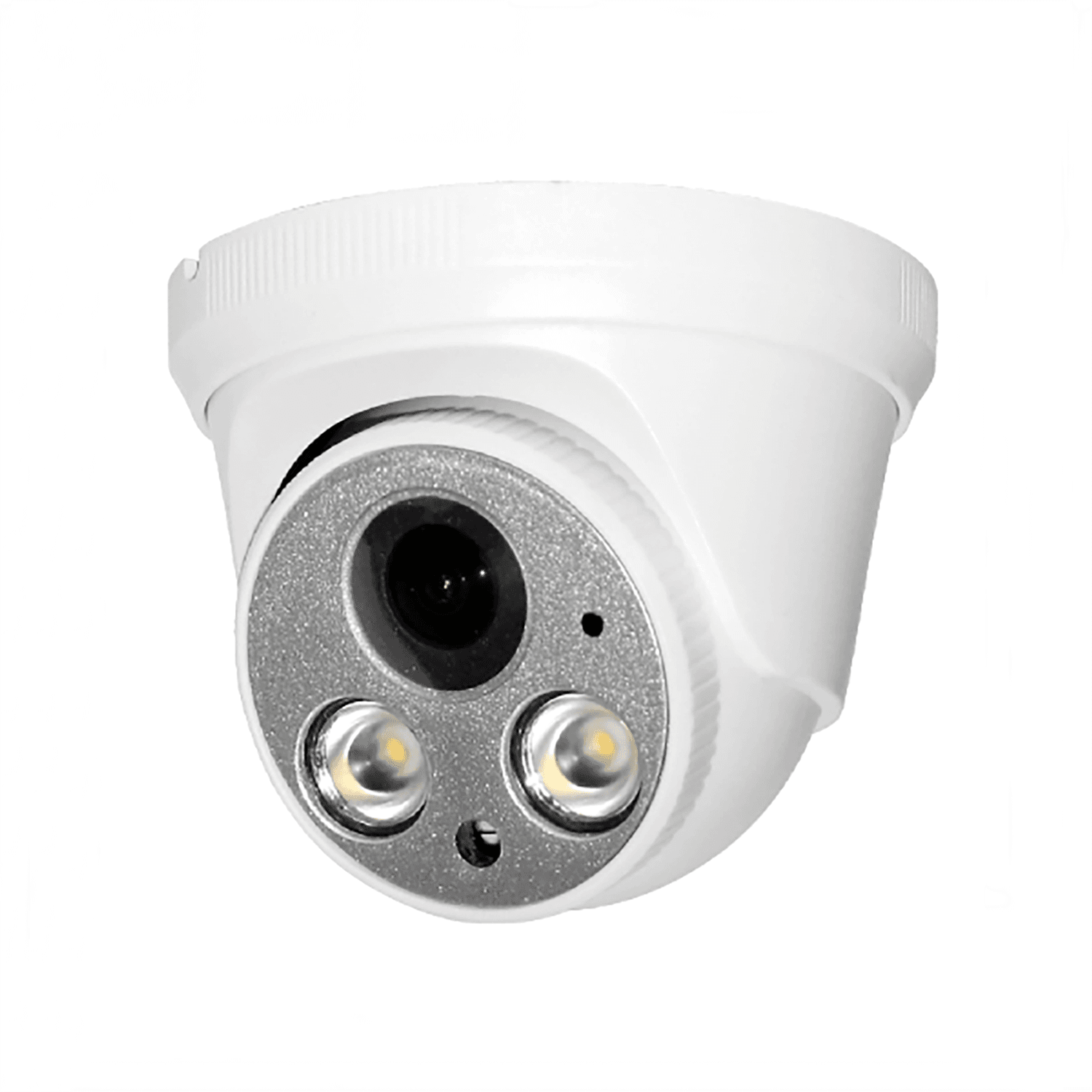
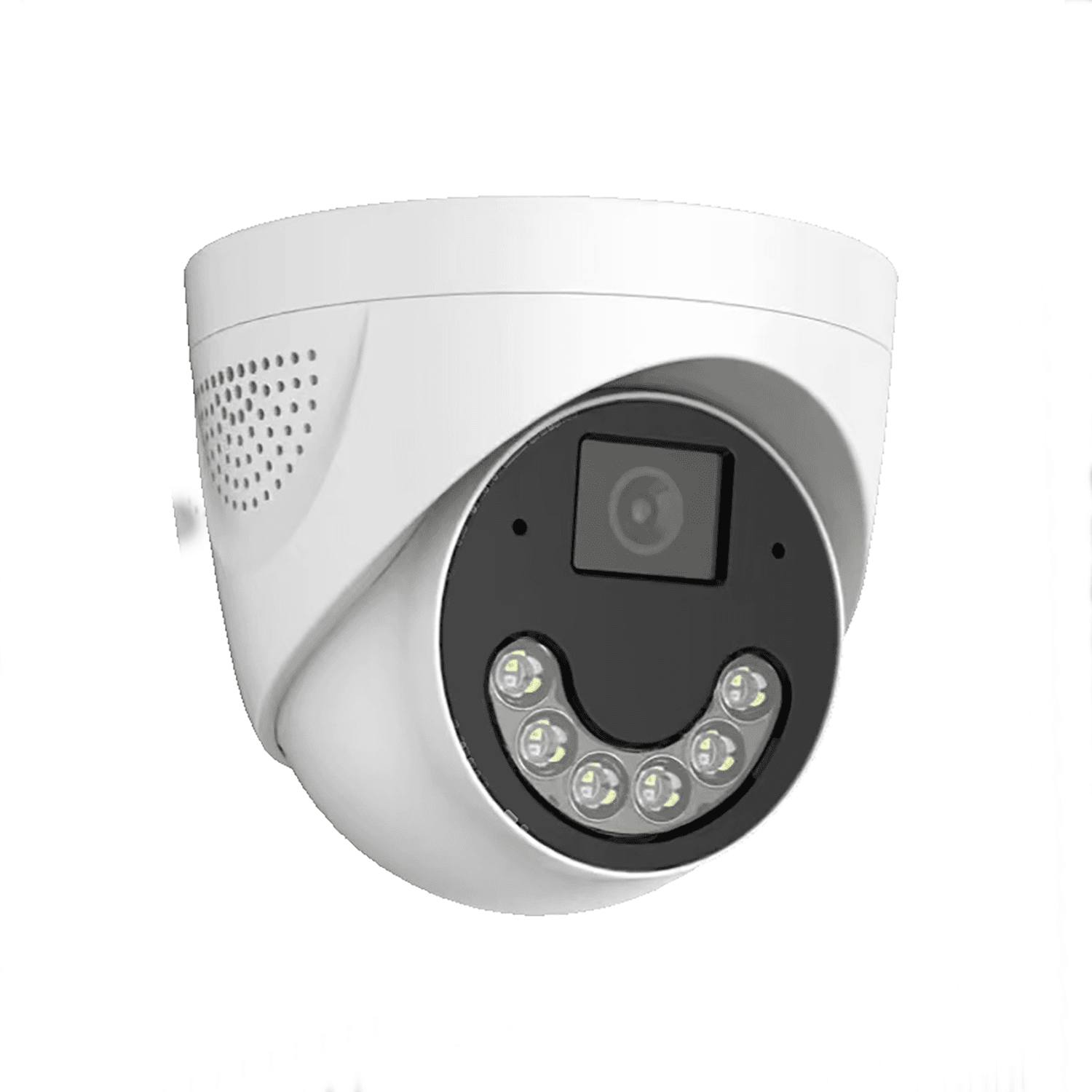
JBE-01DTurret · Fixed Lens3MP / 5MP / 8MP optionsPoE3.6mm LensView details
JBE-02DTurret · Fixed Lens4MP / 5MP / 8MP optionsPoE3.6mm LensView details
JBE-01PTurret · Fixed Lens4MP / 5MP / 8MP optionsPoE1.7mm Fisheye LensView details Catalog & OEM Inquiry
Send your target market, power source, network version and OEM requirements.
This table compares only the listed PoE models; its specifications do not apply to WiFi products. The selected configurations use wired Ethernet with PoE power. Compare the 4MP, 5MP and 8MP options within one housing family, or consider the fixed fisheye lens for a different view. A fixed lens does not provide optical zoom.
| Model and selection point | Resolution | Network | Power | Lens | Inquiry |
|---|---|---|---|---|---|
JBE-402D4MP option for a planned, fixed viewpoint. | 4MP | Wired Ethernet | PoE | 3.6mm fixed | Request Quote |
JBE-502D5MP option in the same housing family. | 5MP | Wired Ethernet | PoE | 3.6mm fixed | Request Quote |
JBE-802D8MP option; include storage and recorder capacity in the comparison. | 8MP | Wired Ethernet | PoE | 3.6mm fixed | Request Quote |
JBE-401PAn alternative wide-view lens configuration; evaluate edge detail on site. | 4MP | Wired Ethernet | PoE | 1.7mm fixed fisheye | Request Quote |
Match the lens view to the intended position and verify the selected model with your recorder. Frame rate, field of view, power budget and mounting accessories should be agreed during sample selection.
Mark the doorway, aisle or work area you need to observe. Check adjustment clearance, cable exit and access for maintenance. A high mounting point can widen the scene but may reduce useful detail at the target.
Review daylight through doors, backlighting and the light available after closing. Keep nearby walls, glass and reflective surfaces in mind. Test the proposed illumination mode on the selected sample; lighting features differ by model.
Plan cable routes, PoE capacity, recorder channels and storage retention together. For the same view, more resolution can preserve more detail but affects bitrate and storage planning. Compare the required resolution with the NVR input and decoding limits. Confirm remote access through the intended network and platform.
Separate a general overview from a viewpoint intended to show activity at a counter or doorway. Check glare from entrance glazing and whether ceiling mounting leaves the lens unobstructed.
Review retail camera planningPlan each viewpoint around racks, moving goods and loading activity. A wide lens alone cannot see behind tall shelving. Coordinate cable runs with the recorder and future camera points.
Plan warehouse coverageReview reception, common access points and storage areas separately. Confirm lighting, the appropriate field of view and local privacy requirements before deciding on camera placement.
Explore small business setupsDiscuss product labels and logos, packaging, manual languages and accessories. Firmware, app or interface requirements need a feasibility review for the selected platform and order configuration.
View OEM/ODM capabilitiesRecord the model, resolution, lens, housing, power arrangement, recorder test and branding details. Test housing and mounting fit, lens coverage, day/night image quality, connection stability, recording and packaging. Share the target market and estimated order quantity, then agree acceptance checks before a bulk order.
Use the manufacturer evaluation checklistA turret usually has an exposed lens module in an adjustable housing, while a dome has a protective transparent cover over the camera. Catalog terminology can vary. Compare the actual housing, adjustment method and mounting drawing when approving a sample; the enclosure shape alone does not establish an impact or weather rating.
Start with the required viewing area, target distance and the detail you need to see. The comparison includes 3.6mm fixed lenses and a 1.7mm fixed fisheye option. A wider view spreads detail across more of the scene. Check sample footage at the proposed mounting position rather than choosing from focal length alone.
Check the environmental rating, temperature limits, cable entry and installation instructions for the exact model. For exposed locations, plan weather protection for connections and confirm a suitable bracket or junction box. A sheltered ceiling and an exposed wall have different installation requirements.
A compatible PoE supply carries data and power through one Ethernet cable, without a separate power adapter at the camera. The NVR can supply power only if it has suitable PoE ports and sufficient power capacity. A non-PoE NVR needs a separate power arrangement, such as a compatible PoE switch. Confirm the camera power requirement, cable route and total switch or recorder budget before ordering accessories.
Provide the NVR or platform model and firmware, required resolution, codec, recording schedule and remote-viewing workflow. Validate video, playback and any required controls on the exact sample. Do not treat a protocol name as confirmation that every feature is available in every integration.
Check the exact model and resolution, mounting fit, lens view, daytime detail, low-light exposure, reflections, recording and the intended network setup. Confirm logo placement, labels, packaging, manuals and any firmware or app requirements separately. Keep a record of the accepted sample configuration for repeat orders.

For network camera selection, explore IP Cameras. Compare WiFi camera options, PoE camera options and recorder-based systems. For networking decisions, read PoE vs WiFi vs 4G security cameras.
Share your target country, installation positions, required view and detail, lighting, network, power, NVR or platform, quantity and OEM requirements. Our team can review the camera and lens configuration with you.
Request a Turret Camera QuoteEmail: sales@jbcctvcamera.com