All ports show functional connections only, not the rear-panel positions of any specific model. Check the selected camera, recorder, switch and power specifications before installation.
1. Direct Connection to a PoE NVR
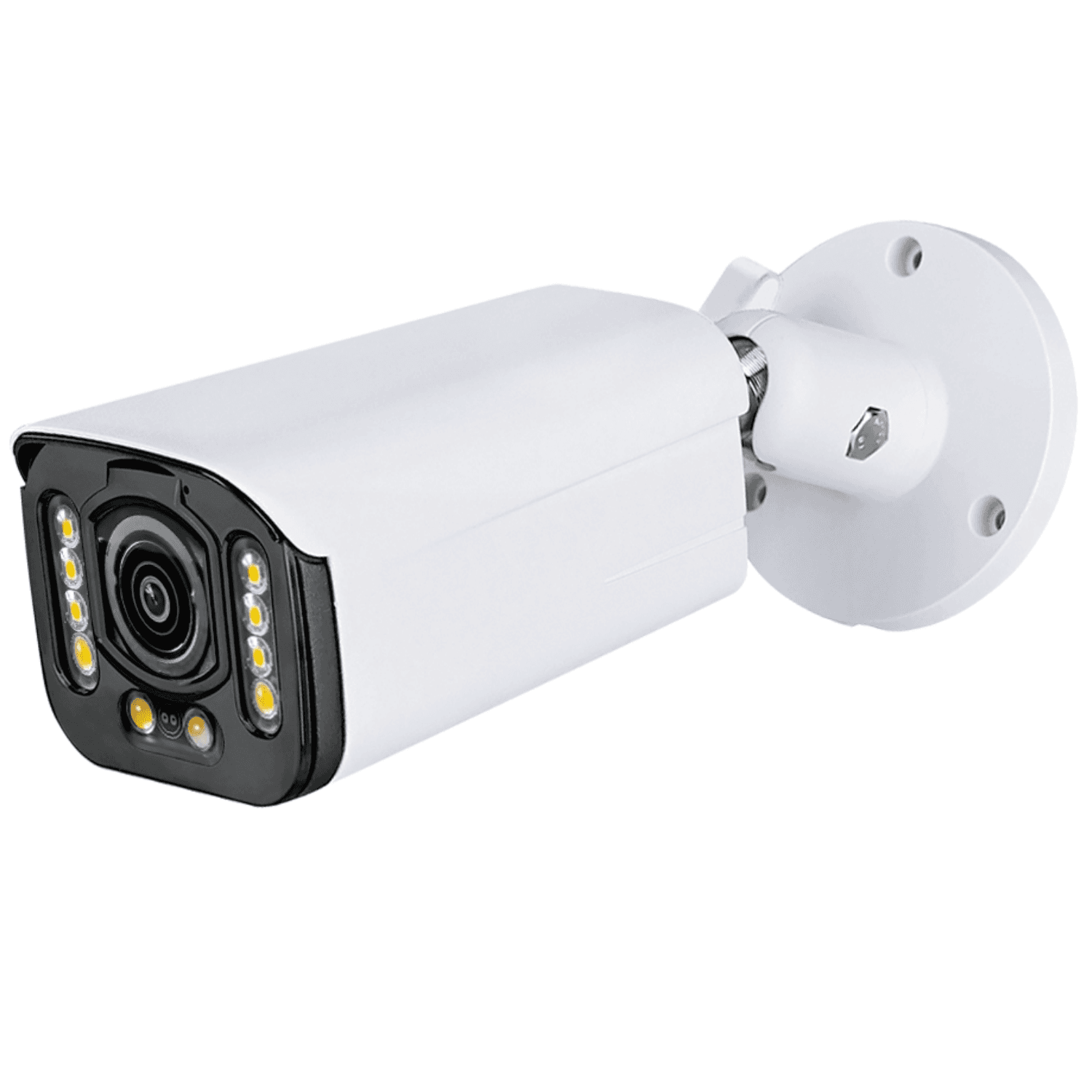
Connect each compatible PoE camera to a camera PoE port on the PoE NVR using an Ethernet cable.
Connect the NVR LAN port to the router or local network. Connect a local monitor to the NVR HDMI output.
Connect the specified NVR power supply. Check the PoE standard, per-port power and total power budget for the selected cameras.
Configure and verify local recording. Internet access and the supported remote-access setup are required for viewing from outside the local network.
2. Connection via a PoE Switch
Connect compatible PoE cameras to the PoE switch. A non-PoE IP camera needs its own specified power supply and an Ethernet data connection to the LAN.
Connect the switch uplink to the router or LAN and connect the NVR LAN port to that same network. Follow the selected equipment documentation for the network topology.
Power the NVR and PoE switch separately using their specified supplies. Connect the NVR HDMI output to a local monitor.
Add compatible cameras to the NVR and verify recording. Confirm addressing, supported protocols, recording channels and the PoE power budget before installation.
Local recording and viewing on the connected monitor do not require internet. Remote viewing requires internet access and a supported, correctly configured remote-access method.
Private label sourcing
Need OEM / ODM customization?
Logo, packaging, firmware and project configuration options are available for distributor and OEM orders.